Best WordPress LMS for WooCommerce Stores in 2026 (Integration-Tested Picks)
Which WordPress LMS actually integrates with WooCommerce: product-to-course mapping, enrollment timing, refund handling, and Subscriptions support compared across nine platforms, with Learnomy leading on its dual checkout paths.

Most “best WordPress LMS” lists are written as if the course plugin will be the only commerce system on the site. If you already run a WooCommerce store, that assumption is wrong on day one. You have a checkout that customers trust, a payment gateway that passed your accountant’s review, tax rules configured for your jurisdictions, coupons your marketing depends on, and an order history your reporting is built on. The real question is not “which LMS has the nicest course builder”, it’s “which LMS plugs into the store I already run without breaking enrollment, refunds, or recurring billing.”
This comparison evaluates every entry through that lens specifically: how product-to-course mapping works, when enrollment actually fires relative to order status, what happens to course access when an order is refunded, whether recurring access can ride on WooCommerce Subscriptions, and whether the integration is native, an official add-on, or a third-party bridge that can drift out of sync with either side. Those mechanics are where course-selling stores actually get hurt, and they are almost never on the marketing page.
One entry is measured a little differently. Learnomy is a complete learning platform for WordPress rather than a course plugin, and it is the only option here that gives you both paths: its own built-in Stripe and PayPal checkout that works standalone, and a WooCommerce adapter for stores that already have a catalog and want courses in the same cart. That dual-path architecture matters more for a WooCommerce audience than any single feature, so it leads the list.
Key takeaways
- Sensei LMS is the only plugin here whose WooCommerce connection is native in the strictest sense, both products come from Automattic, so there is no bridge to maintain.
- LearnDash, Tutor LMS, LifterLMS, and LearnPress all sell through WooCommerce via official add-ons or connectors, functional, but each one is an extra moving part that has to stay compatible with two release cycles.
- Learnomy is the only entry with both a built-in checkout (Stripe and PayPal, no WooCommerce required) and a WooCommerce adapter for stores that already sell products, and it takes no platform fees, so what students pay is yours.
- Refund behavior is the most under-checked integration detail: some setups revoke course access automatically on refund, others leave the student enrolled forever unless you clean up by hand.
- If recurring course access matters, WooCommerce Subscriptions compatibility is the first thing to verify, not the quiz engine.
In this guide
- How we evaluated WooCommerce integration depth
- Quick comparison
- 1. Learnomy: built-in checkout plus a WooCommerce adapter
- 2. Sensei LMS: the only truly native WooCommerce integration
- 3. LearnDash: the most battle-tested official Woo add-on
- 4. Tutor LMS: WooCommerce as the default payment engine
- 5. LifterLMS: its own checkout, with a Woo connector when you need it
- 6. LearnPress: WooCommerce via an official add-on
- 7. MasterStudy LMS: check which tier the Woo checkout lives in
- 8. MemberPress Courses: its own billing engine, not a Woo citizen
- The hosted contrast: Thinkific and Teachable next to a Woo store
- Integration architecture: refunds, subscriptions, and HPOS
- Common mistakes when wiring an LMS into WooCommerce
- FAQ
- Verdict
How we evaluated WooCommerce integration depth
Every entry below was assessed against the same five integration questions, because these are the seams where a course store actually tears:
- Product-to-course mapping. How does a WooCommerce product become “buying this enrolls you in that course”? Is it a field on the product, a field on the course, or a mapping screen in between? Can one product enroll a buyer into multiple courses (a bundle), and can one course be sold by multiple products (a solo listing plus a bundle listing)?
- Enrollment timing. Does enrollment fire on processing or on completed? For virtual, downloadable products WooCommerce can auto-complete orders, but a misconfigured product type leaves paying students staring at a locked course until someone marks the order complete by hand.
- Refunds and cancellation. When an order is refunded or cancelled, is course access revoked automatically, optionally, or not at all? Does a partial refund behave differently from a full one?
- Recurring access. Can course or membership access ride on WooCommerce Subscriptions, so a lapsed renewal suspends access and a reactivation restores it, without a developer writing that glue?
- Integration type. Native (one vendor, no bridge), official add-on (same vendor as the LMS, separate component), or third-party bridge (a different vendor entirely). Each step down that ladder adds a release cycle that can break the chain.
If you want the full mechanics of enrollment hooks, refund handling, and group seats at the code level, our companion deep-dive on building a WooCommerce online course platform with LMS integration walks through the wiring in detail. This article stays at the decision level: which platform to wire up in the first place.
Quick comparison
Platform | Integration type | Refund-aware access | Subscriptions path | The deal |
|---|---|---|---|---|
Learnomy | Built-in checkout + WooCommerce adapter | Yes, either path | Built-in memberships with trials, or Woo via adapter | Complete platform, no platform fees, what students pay is yours |
Sensei LMS | Native (Automattic, no bridge) | Yes | WooCommerce Subscriptions | Usable core; deeper gating behind an annual license |
LearnDash | Official WooCommerce add-on | Yes, configurable | WooCommerce Subscriptions | Annual license, plus add-ons for depth |
Tutor LMS | Official WooCommerce connector | Partially, verify per version | WooCommerce Subscriptions | Usable core; business layer behind an annual paid tier |
LifterLMS | Own checkout + official Woo connector | Yes, on its own checkout | Its own recurring engine, or Woo | Generous core; add-on bundles renew annually |
LearnPress | Official WooCommerce add-on | Basic, verify behavior | Via WooCommerce | Core is open; features arrive as separate add-ons |
MasterStudy LMS | Woo checkout in the paid tier | Basic | Via WooCommerce, paid tier | Course builder in the core; commerce upstairs in the paid tier |
MemberPress Courses | Own billing engine (not Woo-centric) | Yes, on its own engine | Its own recurring engine | Annual license; courses ride the membership product |
Thinkific / Teachable | Separate hosted platform, separate checkout | Their rules, their dashboard | Their billing, not yours | A monthly subscription forever, plus a cut of every sale |
1. Learnomy: built-in checkout plus a WooCommerce adapter
Learnomy is a complete learning platform for WordPress, the online school you own, and for a WooCommerce audience its defining architectural choice is that it does not force a checkout decision on you. Out of the box it sells courses directly through built-in Stripe and PayPal checkout, so a site with no store can take its first enrollment without installing a cart plugin. And when a WooCommerce store already exists, its WooCommerce adapter puts courses into the same catalog, cart, coupons, and order history as everything else you sell.
Every other entry on this list picks one lane: either it depends on WooCommerce to sell anything real, or it runs its own billing engine that sits awkwardly beside your store. Learnomy is the only one where “we already run WooCommerce” and “we don’t want WooCommerce just to sell a course” are both first-class answers. There are no platform fees in either path, what students pay is yours.
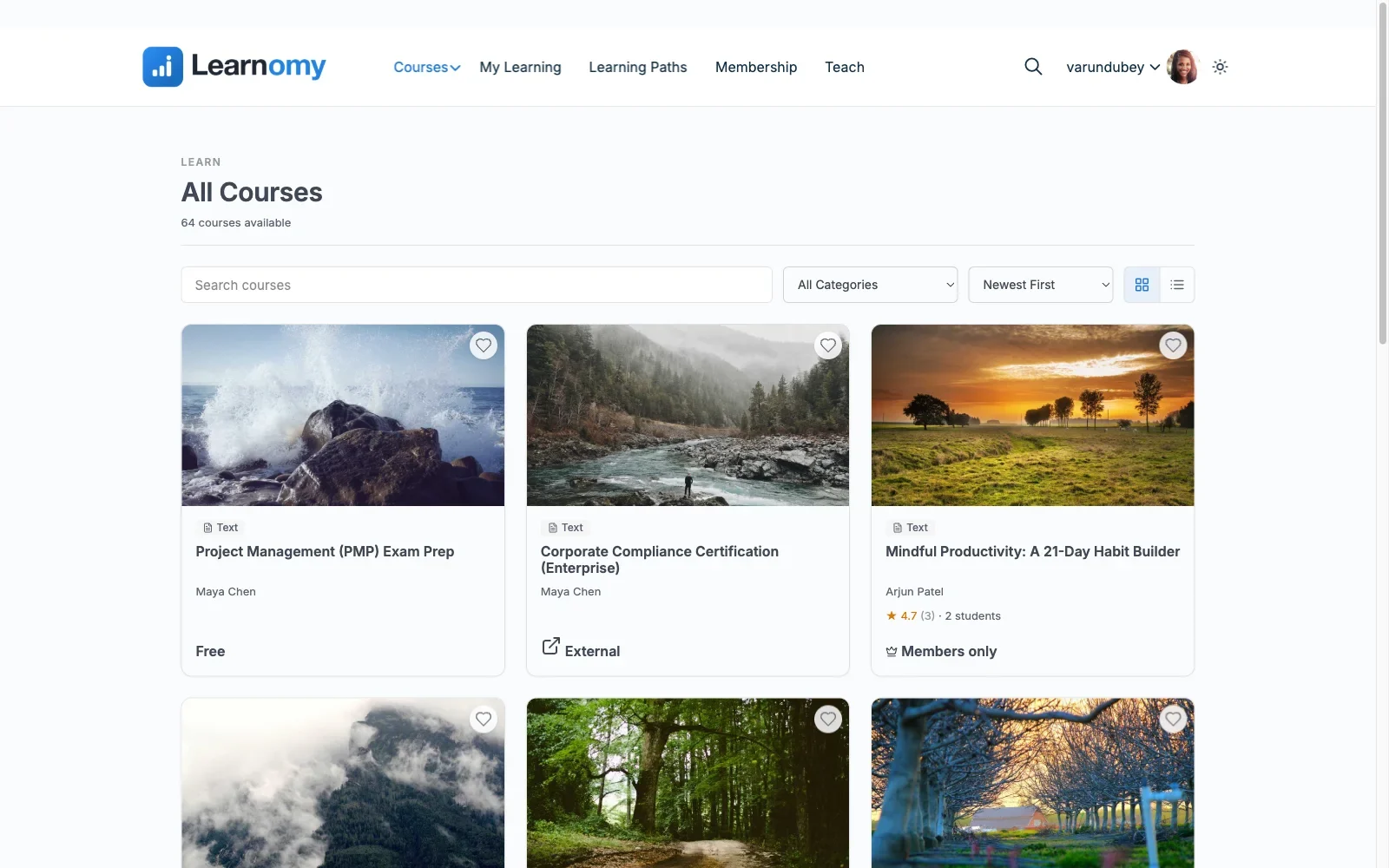
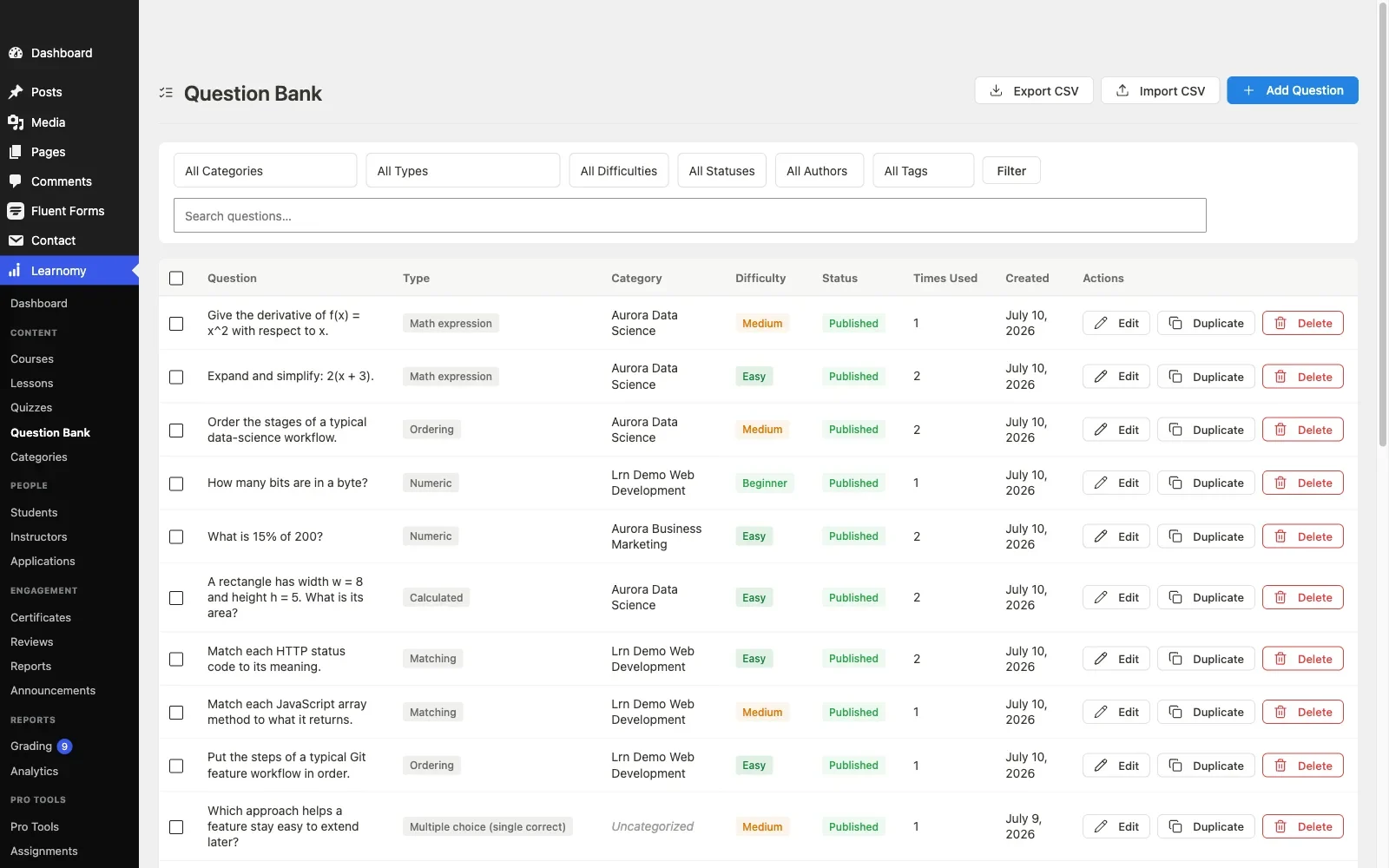
The platform side is genuinely complete rather than a course archive with a buy button. Courses are built from video, audio, PDF, and reading lessons with a drag-and-drop builder, and instructors who should never see wp-admin get a front-end, four-step course builder instead. Assessment covers six quiz types with partial credit, question banks, anti-cheat tab-switch tracking, and an essay-grading inbox for questions that need a human. A gradebook rolls quizzes, assignments, and SCORM packages into one weighted grade per course. Learning paths chain courses with prerequisites for structured curricula, which is also the backbone of its team and B2B training support, company seats, cohorts, and drip schedules for businesses buying training in bulk rather than one seat at a time.
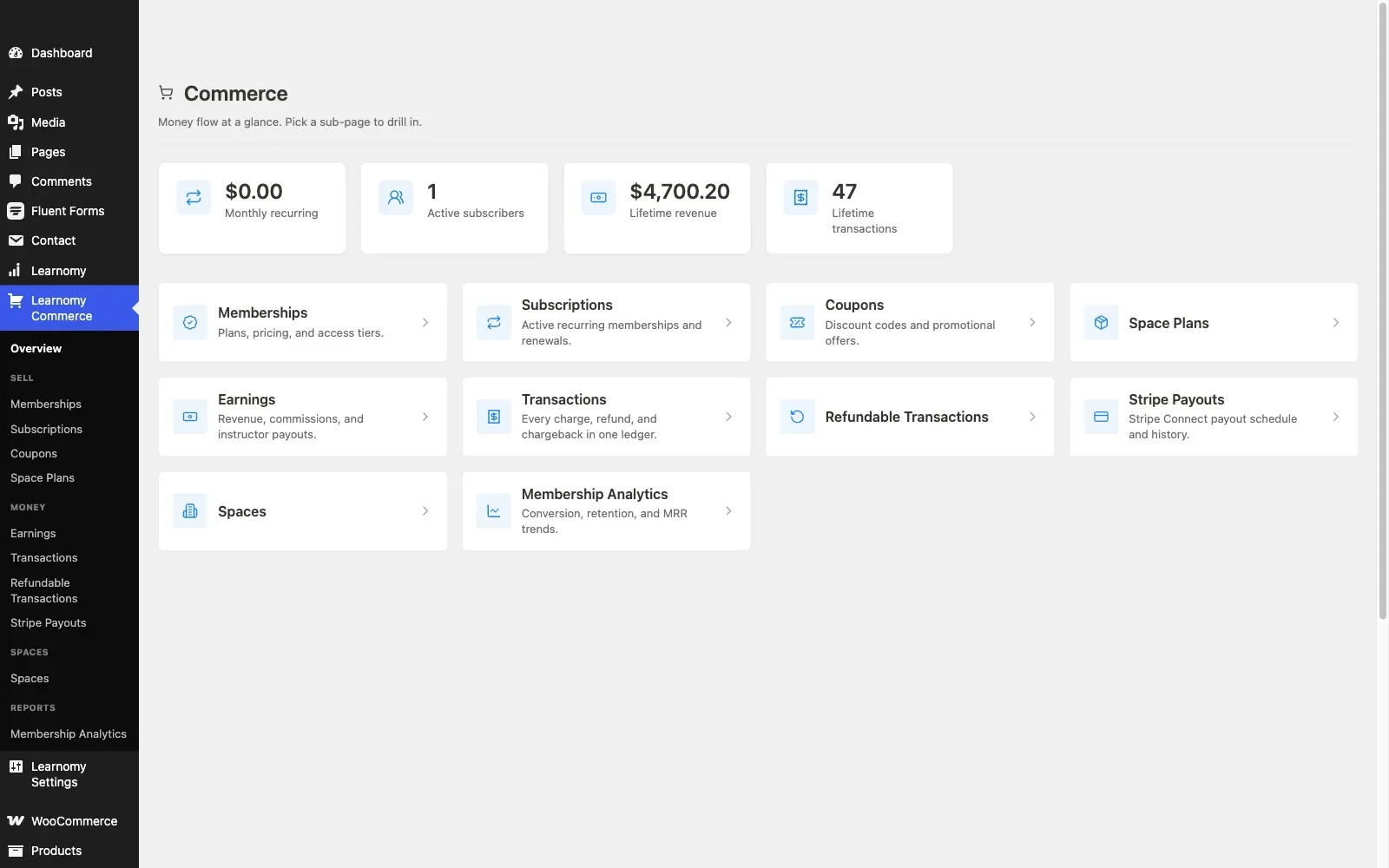
Completion produces digitally signed certificates with a QR code that resolves to a public verify page, shareable straight to LinkedIn, designed in a visual certificate editor rather than a fixed template. On the selling side beyond checkout: memberships with trials and an automatic pricing page, coupons, course reviews, announcements, and email templates, plus Udemy-style instructor revenue sharing with instructor applications and dashboards for schools that grow past one teacher. Full-text course search and Course structured data handle discovery on catalogs too big for WordPress’s default search, and the whole thing runs as a PWA with offline progress tracking.
Around the core, the platform grows with the school: a learning community can form around your courses, discussion boards and Q&A sit alongside lessons, gamified learning adds points, badges, and streaks, a job board helps graduates put their certificates to work, course videos are protected from casual downloading, and branding and design control, dark mode and layouts included, keep the school looking like yours. For sites arriving from an existing plugin, a migration wizard imports from LearnDash, Tutor LMS, and LifterLMS specifically.
Pros: the only dual-path checkout on this list; no platform fees; complete teaching-to-selling scope without stacking add-ons; migration path from the three most common WordPress course plugins.
Cons: newer to the space than LearnDash or Tutor LMS, so third-party tutorials and agency familiarity are still catching up.
WooCommerce fit: Best-in-class by architecture: use the adapter if the store exists, skip WooCommerce entirely if it doesn’t. Either way the enrollment and access logic belongs to one vendor, so there is no bridge to watch during update season.
Best for: a store owner who wants course checkout options instead of a checkout mandate, and anyone who would rather run one platform than a course plugin plus a stack of licensed add-ons.
2. Sensei LMS: the only truly native WooCommerce integration
Sensei LMS and WooCommerce share a parent company in Automattic, and that lineage is Sensei’s entire pitch to this audience. Selling a course means creating a WooCommerce product and attaching it to the course, no bridge plugin, no third vendor, and an integration that will not be abandoned by one side while the other keeps shipping.
Mapping is product-to-course from the course side, enrollment fires on order completion, and refunding an order removes the learner’s access, the clean, expected behavior. Recurring course access can ride WooCommerce Subscriptions, which makes Sensei one of the safer picks for subscription-gated course libraries on an existing store.
The trade-off is depth. The free core covers courses, lessons, a quiz block, and progress tracking, but content drip, prerequisites, structured multi-course paths, and the more advanced quiz behavior live behind Sensei Pro’s annual license. Sensei is also the most block-editor-opinionated plugin here; if your course production workflow lives in the classic editor or a page builder, expect friction.
Pros: genuinely native Woo integration; correct refund behavior; Automattic’s long-term maintenance record.
Cons: lighter feature set than the rest of the list; the curriculum-gating layer sits behind the paid tier; no multi-instructor commerce story.
Best for: an established WooCommerce store that wants courses to behave exactly like any other product, with the smallest possible integration surface.
3. LearnDash: the most battle-tested official Woo add-on
LearnDash sells through WooCommerce via its official integration add-on: a product is linked to one or more courses (or a group), and the buyer is enrolled automatically when the order completes. Years of production use mean the edge cases are documented, auto-complete for virtual course products, enrollment on processing versus completed, and configurable access removal when an order is refunded or cancelled.
Because the add-on supports linking multiple courses to one product, bundle products work without custom code, and LearnDash Groups can map a single purchase to a block of seats, the standard pattern for B2B and team sales on a Woo store. WooCommerce Subscriptions is supported for recurring access, with access pausing when a subscription lapses.
The cost of all this maturity is the assembly. LearnDash has no free tier, the license renews annually, and the pieces that make it shine, reporting, group management, the Woo add-on itself, are components you install, configure, and update alongside the core. It is the most setup-intensive option here, and most serious LearnDash-plus-Woo builds involve developer time to get enrollment logic right the first time. If that assembly cost is what’s pushing you off LearnDash, our roundup of LearnDash alternatives for WooCommerce course sites goes deeper on the exits, including that Learnomy’s migration wizard imports from LearnDash directly.
Pros: the most proven Woo integration pattern after Sensei; group/seat sales; refund-aware enrollment that you can configure rather than hope for.
Cons: no free tier; annual license plus add-ons; the heaviest configuration burden on the list.
Best for: corporate training sold through an existing store, where group licensing and reporting justify the assembly work.
4. Tutor LMS: WooCommerce as the default payment engine
Tutor LMS treats WooCommerce as its primary road to real payments: enable the integration, and each course gets a linked product that rides the standard cart and checkout. The mapping is one-product-one-course by default, which is simple to reason about but means bundles take extra structure. Its frontend course builder remains one of the best building experiences in WordPress, and its multi-instructor marketplace features are a genuine differentiator, instructor dashboards in the free core, commission handling in the paid tier.
The integration caveats are the flip side of Tutor’s breadth. Enrollment timing and refund behavior have historically varied between releases, so test the refund path on staging before trusting it with real students, refund an order and confirm access actually drops. Content drip, the certificate builder, and commission payouts all sit behind the annual paid tier, so the free-core-plus-WooCommerce combination that looks complete on the surface usually isn’t for a business launch.
Pros: excellent building UX on top of your existing cart; the strongest marketplace/multi-instructor story among the traditional plugins.
Cons: the business layer is paid-tier; refund/enrollment behavior deserves a staging test per release; one-product-one-course mapping is limiting for bundles.
Best for: a store planning a multi-instructor catalog that wants Woo checkout and is comfortable verifying integration behavior at update time. Weighing a move instead? Our guide to Tutor LMS alternatives for WooCommerce stores covers the exits.
5. LifterLMS: its own checkout, with a Woo connector when you need it
LifterLMS is unusual among the traditional plugins in shipping its own checkout and recurring billing engine, access plans, payment plans, and memberships all run natively, with gateway add-ons connecting the processors. For a site without a store, that self-sufficiency is a real advantage. For a site with a store, the official WooCommerce connector lets courses and memberships be sold as Woo products instead, so the storefront stays unified.
The architectural wrinkle is that running both paths at once, some products on LifterLMS checkout, some through Woo, splits your order history and reporting across two systems. Pick one lane per site. Refund-aware access removal works cleanly on its own engine; on the Woo path, verify the connector’s current behavior for refunds and subscription lapses on staging, since that glue is a separate component from the core plugin.
Pros: genuinely capable native billing including recurring; memberships in the free core; a real choice between its own checkout and Woo.
Cons: add-on bundles renew annually and stack up; dual-checkout ambiguity if you don’t commit to one lane; the interface shows its age.
Best for: membership-plus-courses businesses that want recurring billing without WooCommerce Subscriptions, or a clean Woo lane when the store came first. If you’re already eyeing the exit, see our LifterLMS alternatives for WooCommerce course sellers.
6. LearnPress: WooCommerce via an official add-on
LearnPress’s core course builder, lessons, quizzes, progress tracking, carries no license fee, which is why it shows up on so many budget builds. Selling through WooCommerce runs through an official add-on that turns courses into purchasable products; the core can also take PayPal directly for single-course sites that don’t need a cart.
The catch is that nearly everything beyond course structure is an add-on with its own line item: certificates, drip, prerequisites, and the Woo connection itself are separate components on separate update cycles. Refund behavior on the Woo path is basic, confirm on staging whether access is revoked on refund in your configuration, and be prepared to handle it manually if not. Enrollment timing depends on order status settings, so virtual-product auto-complete is worth configuring explicitly.
Pros: open core with no license fee to start; official Woo path; the gentlest possible entry cost.
Cons: the add-on maze, each capability is a separate component to license, update, and debug; the least refund-aware integration among the majors.
Best for: a small catalog on a tight budget where the store already handles commerce and course structure is all that’s missing. Growing past it is common, our roundup of LearnPress alternatives for growing course sites maps where sites usually land.
7. MasterStudy LMS: check which tier the Woo checkout lives in
MasterStudy’s block-based course builder is a pleasant fit for sites that live in the WordPress editor, and its free tier includes a workable quiz engine and a basic certificate. The integration caveat matters more here than anywhere else on the list: native WooCommerce checkout is a paid-tier feature. The free tier’s commerce options are limited enough that a WooCommerce store should budget for the paid tier from the start rather than discovering the gap after building a catalog.
On the paid tier, Woo checkout, bundles, and the deeper commerce features arrive, but refund-aware access removal is basic, the same staging-test advice applies. Recurring access runs through WooCommerce once the paid tier is in place.
Pros: block-native building experience; presentable course pages out of the box.
Cons: the feature a Woo store actually needs, Woo checkout, is upstairs in the paid tier; thinner integration documentation than the majors.
Best for: block-editor-first sites that have already accepted the paid tier as the real entry point. Our MasterStudy LMS alternatives comparison covers the options if that trade reads badly.
8. MemberPress Courses: its own billing engine, not a Woo citizen
MemberPress Courses bundles course delivery into MemberPress’s membership and billing engine, and that engine is the point: recurring billing, trials, and access rules are native and mature. But it is a parallel commerce system, not a WooCommerce integration, orders, subscriptions, and payment records live in MemberPress’s own tables, beside rather than inside your Woo order history.
For a membership-first business with no store, that’s coherent. For a WooCommerce store, it means two checkouts, two coupon systems, and two revenue reports. Refund-aware access removal works well within its own engine; just understand you are adopting a second commerce stack, not extending the first.
Pros: genuinely strong native recurring billing; courses inherit the membership engine’s maturity.
Cons: splits commerce in two on a Woo site; annual license; course tooling is thinner than the dedicated builders here.
Best for: membership-model education businesses where MemberPress is already the billing engine and courses are a component, not the product.
The hosted contrast: Thinkific and Teachable next to a Woo store
Hosted course platforms deserve one honest section, because store owners get pitched on them constantly. Thinkific and Teachable remove hosting, updates, and maintenance from the equation, and in exchange, you pay a monthly subscription forever plus, on many arrangements, a cut of every sale, while your student records live in their database rather than yours.
For a WooCommerce store owner there is a second, sharper problem: split checkout. Your physical and digital products run through the cart you control, while courses run through theirs, two customer accounts, two coupon systems, two tax configurations, no unified order history, and cross-sells between store and school become a marketing project instead of a cart feature. The ownership argument that applies to any hosted platform applies double when half your commerce is already self-hosted. Cancel the hosted plan, and that half of the business goes dark. This is the core reason every self-hosted entry above, and Learnomy’s no-platform-fee model in particular, makes structural sense for this audience.
Integration architecture: refunds, subscriptions, and HPOS
Refunds are the seam to test first. Every platform above claims enrollment-on-purchase; far fewer document access-on-refund. Before launch, run one real test: buy a course with a test gateway, refund the order, and watch what happens to the student’s access. If the answer is “nothing,” you need either a configuration change or a documented manual process, because refund-without-revocation is a slow leak, every refunded student keeps the product they were refunded for.
Subscriptions are a contract between three parties. When course access rides WooCommerce Subscriptions, the LMS integration has to react to subscription status changes, not just order status: on-hold should suspend access, cancellation should end it, reactivation should restore it without re-enrollment side effects. Test all three transitions. Where the LMS brings its own recurring engine instead (LifterLMS, MemberPress, Learnomy’s memberships with trials), you trade that three-party contract for a single vendor’s logic, simpler, as long as you deliberately pick one recurring system per site and don’t run two.
HPOS changed the ground under bridges. WooCommerce’s High-Performance Order Storage moves orders out of the legacy posts table, and any integration that reads or writes order data the old way can misbehave. Current releases of the major integrations declare HPOS compatibility, but “declares compatibility” is not “tested in your stack”, check the compatibility declaration on every commerce-touching plugin in the chain, then run the purchase-refund-subscription cycle on a staging copy with HPOS enabled before flipping it on in production. The narrower your integration chain, the smaller this audit: one more argument for native or single-vendor paths over third-party bridges.
Coupons and carts mostly just work, within one system. Any LMS selling through Woo products inherits Woo coupons, cart rules, and tax handling for those products, which is precisely the case for integrating rather than running a parallel checkout. The failure mode is running two commerce systems and expecting one coupon strategy to span both. It won’t.
Common mistakes when wiring an LMS into WooCommerce
- Never testing the refund path. The single most common gap. Test buy, refund, and verify access revocation before the first real sale, not after the first real dispute.
- Leaving course products as “physical.” If the product isn’t virtual (and where appropriate, auto-completing), enrollment waits on manual order completion and every buyer emails support within the hour.
- Running two checkouts at once. An LMS’s native checkout beside an active WooCommerce cart splits orders, coupons, and reporting. Pick one lane per site, the exception being a platform architected for the choice, like Learnomy, where you choose the built-in path or the Woo adapter, not both.
- Assuming the bridge updates with the ends. Third-party connectors between an LMS and WooCommerce have their own release cycles. Every WooCommerce major update is a compatibility check on the whole chain, not just the LMS.
- Ignoring seat sales until a company asks. Selling five seats to one buyer is a different data model than five separate buyers. If B2B is plausible, verify group/seat support now, LearnDash Groups or Learnomy’s team training with company seats and cohorts, rather than retrofitting it.
- Forgetting the migration exit. Whatever you wire in today, someone may unwire later. Learnomy’s migration wizard imports from LearnDash, Tutor LMS, and LifterLMS specifically; leaving from anything else means a manual export project, so factor the exit into the entrance.
FAQ
Do I need WooCommerce to sell courses on WordPress at all?
No. Learnomy sells directly through built-in Stripe and PayPal checkout with no WooCommerce install, and LifterLMS and MemberPress run their own billing engines. WooCommerce becomes the right answer when a store already exists and courses should share its cart, coupons, and order history. Our comparison of LMS options with built-in payments covers the no-Woo path in depth.
Which LMS has the most reliable WooCommerce integration?
Sensei LMS, structurally, both sides come from Automattic, so there’s no bridge. Among platforms with more depth, Learnomy’s single-vendor adapter and LearnDash’s long-proven official add-on are the next most dependable patterns.
What happens to course access when I refund a WooCommerce order?
It depends on the platform and its settings: some revoke automatically, some make it configurable, some do nothing. Test it with a real refund on staging before launch, it’s the most under-checked seam in the whole integration.
Can I sell recurring course access through WooCommerce Subscriptions?
Yes with Sensei, LearnDash, Tutor LMS, and LifterLMS’s Woo connector, verify that lapse, cancellation, and reactivation each adjust access correctly. Learnomy and MemberPress offer their own recurring engines instead (Learnomy’s memberships include trials and an automatic pricing page), which avoids the three-way dependency entirely.
Is HPOS compatibility actually a problem for course plugins?
Less than it was, current releases of the major integrations declare compatibility, but declarations aren’t stack tests. Run the purchase-refund-subscription cycle with HPOS enabled on staging before enabling it in production, especially if a third-party bridge sits in the chain.
Can one WooCommerce product enroll a buyer into several courses?
On LearnDash, yes, the official add-on maps one product to multiple courses or a group. Elsewhere, bundle support varies; check before modeling your catalog around bundles. Learning-path platforms like Learnomy approach the same need through sequenced curricula with prerequisites rather than product-side bundling.
What’s the best option for selling team or company seats through a store?
LearnDash Groups is the established Woo pattern. Learnomy covers the same ground with team and B2B training, company seats, learning paths, cohorts, and drip, inside the platform rather than assembled from add-ons.
Should a WooCommerce store ever pick a hosted platform like Teachable or Thinkific?
Rarely. Beyond the standing trade, a monthly subscription forever plus a cut of every sale, with student data in their database, a store owner also splits checkout across two systems, which breaks unified coupons, reporting, and cross-sells. Self-hosted keeps the school on the domain and database you already own.
Verdict
For a WooCommerce store adding courses, the decision compresses to three sound answers. If you want the smallest possible integration surface and can live with a lighter feature set, Sensei’s native connection is the safe conservative pick. If you’re selling corporate training with group seats through an established store and have developer time to spend, LearnDash’s official add-on is the proven workhorse. And if you want the full school, building, assessment, verifiable certificates, memberships, instructor payouts, without stacking licensed add-ons, Learnomy is the strongest overall choice: the only entry that works with your store through its WooCommerce adapter or without any store at all through its built-in checkout, with no platform fees either way. For the broader plugin landscape beyond the integration lens, our complete guide to WordPress LMS plugins for online courses is the companion read.
Courses in your store’s cart, or no cart at all. Your call.
Learnomy is the complete learning platform for WordPress: courses, anti-cheat quizzes, QR-verifiable certificates, memberships with trials, and instructor payouts, selling through built-in Stripe and PayPal checkout or through your existing WooCommerce store via its adapter. No platform fees, what students pay is yours. A migration wizard imports from LearnDash, Tutor LMS, and LifterLMS.
Plugins we build and run
We maintain these ourselves, which is why we can support them on your site.
- BuddyNextThe self-hosted community engine for WordPress
- BuddyXFree community theme, Pro when you outgrow it
- ReignPremium community theme. Add pieces, build anything
- JetonomyCommunity forum and Q&A for WordPress
- EventonomyEvents and RSVPs for WordPress communities
- LearnomyCourses and learning communities on WordPress
- ListoraDirectories and listings your members can browse
- SnipShareCode sharing built for developer communities
- WB Ad ManagerAd placements that turn traffic into revenue
- WP Career BoardA job board your community actually uses
- WP Sell ServicesSell services with offers, orders, and payouts
- MediaVersePhotos, video, and media albums for members
- WB GamificationPoints, badges, and rewards that keep members active
- Product RoadmapPublic roadmaps with voting your users trust