Best LearnDash Alternatives for WooCommerce Course Sites in 2026
Eight LearnDash alternatives compared for WooCommerce course sites: Learnomy, Tutor LMS, LifterLMS, Sensei, LearnPress, MasterStudy, MemberPress, and Thinkific, with fee structures, migration paths, and WooCommerce fit for each.

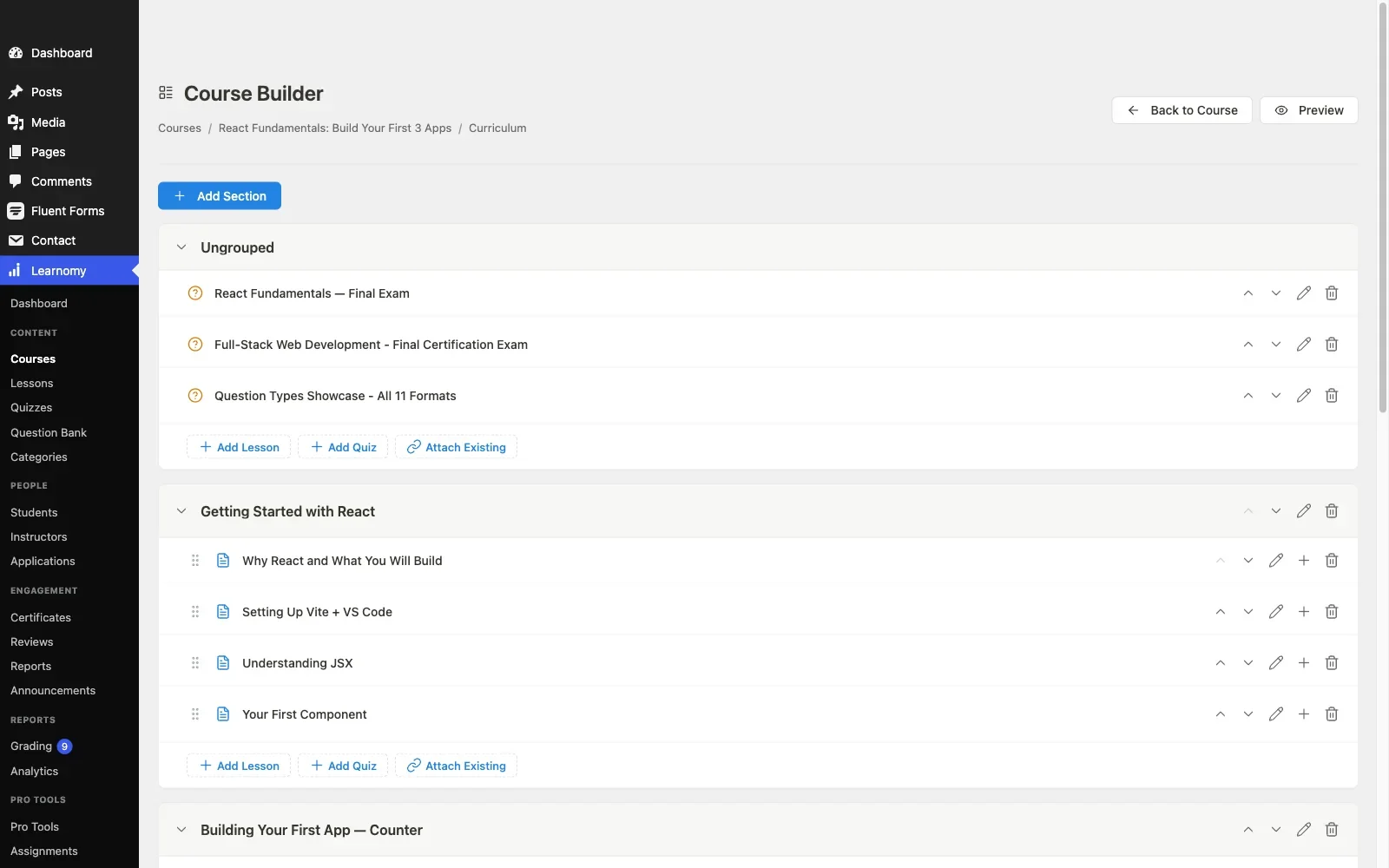
LearnDash earned its position as the default WordPress LMS the honest way: a decade of development, a mature add-on ecosystem, and enough enterprise deployments to prove it scales. But if you run a WooCommerce store and you’re evaluating LearnDash in 2026, the math looks different than it did five years ago. There’s no free tier to test with, the core license is only the entry point of a real budget, and the pieces a course business actually needs, reporting, memberships, a payment path, arrive as separate purchases with separate renewal dates.
This guide compares eight LearnDash alternatives specifically for WooCommerce course sites, from a store owner or developer’s point of view: what each platform’s deal actually looks like once it can sell a course, how cleanly it plugs into an existing WooCommerce checkout, and, for anyone already on LearnDash, what a migration genuinely involves. Some of the LearnDash competitors here are plugins in the same mold; one is a complete platform that changes the comparison entirely; one is a hosted service included so you can see what leaving WordPress would actually trade away.
Key takeaways
- Learnomy is the strongest LearnDash alternative for most WooCommerce course sites: it ships checkout, certificates, memberships, and instructor payouts in one complete platform with no platform fees, and it has a migration wizard built specifically for LearnDash imports.
- Tutor LMS is the closest like-for-like replacement if you want a traditional plugin with a large feature set, though its free tier gates drip content, the certificate builder, and commissions behind a paid Pro license on an annual renewal.
- Sensei LMS is the lowest-friction option for a store already deep in WooCommerce, since both products come from Automattic and connect without a bridge plugin.
- The real cost of leaving LearnDash isn’t the new license, it’s migrating student progress, quiz attempts, and WooCommerce order-to-course links. Only one platform on this list ships a dedicated LearnDash migration tool.
- A hosted platform like Thinkific removes maintenance but adds permanent monthly fees and takes your student data off your own database, the opposite trade of every WordPress option here.
In this guide
- Why WooCommerce store owners look beyond LearnDash
- How we compared these LearnDash competitors
- Quick comparison table
- 1. Learnomy: the complete platform with a LearnDash migration wizard
- 2. Tutor LMS: the closest like-for-like plugin replacement
- 3. LifterLMS: courses plus memberships in one core
- 4. Sensei LMS: native WooCommerce, no bridge plugin
- 5. LearnPress: the budget rebuild
- 6. MasterStudy LMS: block-based course building
- 7. MemberPress Courses: when membership is the product
- 8. Thinkific: the hosted escape hatch, and its price
- What leaving LearnDash actually involves
- The true cost of a LearnDash replacement
- Common mistakes when switching from LearnDash
- FAQ
- Verdict
Why WooCommerce store owners look beyond LearnDash
Three complaints come up repeatedly from WooCommerce store owners running LearnDash, and none of them are about the course builder itself. The first is cost creep: the core license is joined by ProPanel reporting, a WooCommerce integration add-on, and a certificate or membership layer, each a separate purchase on its own renewal cycle, so the real annual bill is several licenses deep. The second is architecture: LearnDash stores a lot of student progress data in WordPress user meta, which works fine at a hundred students and becomes a genuine reporting bottleneck at several thousand, exactly the scale a successful store-plus-courses business reaches. The third is that LearnDash has no free tier at all, so every staging site, every client prototype, and every second storefront needs another paid license before you can even evaluate a change.
None of these makes LearnDash a bad product. They make it a product whose total cost and maintenance profile deserve comparison shopping, especially now that at least one alternative covers the same territory, and more, as a single complete platform with no platform fees. If you’re still deciding whether you need a full LMS or just a payment-capable course tool, our guide to the best WordPress LMS plugins for online courses covers the wider category; this article assumes you know you want an LMS and are specifically weighing LearnDash against its competitors.
How we compared these LearnDash competitors
Every platform below was evaluated on four axes that matter more to a WooCommerce course site than a generic feature checklist:
- WooCommerce fit. Can courses live in your existing cart, with your existing coupons, tax setup, and order history? Is the integration native, an official add-on, or a third-party bridge that can lag behind either plugin’s updates?
- The deal to actually sell. Not the headline offer, the full set of licenses and add-ons required before payment processing, certificates, drip content, and reporting are all working. This is where LearnDash competitors differentiate most sharply.
- Migration path from LearnDash. Does the platform import LearnDash courses, lessons, quizzes, and, critically, student enrollment and progress records? Or does switching mean a rebuild plus weeks of support tickets from students whose progress vanished?
- Feature ceiling. What happens when the business grows: multiple instructors, certificates that need to survive employer scrutiny, memberships, cohort scheduling. A cheap replacement that caps out in a year isn’t cheap.
Licensing and bundle structures were checked as of this writing in September 2026; confirm current terms on each vendor’s page before buying, since bundle contents shift more often than course content does.
Quick comparison table
Platform | Best for | The deal | WooCommerce path | LearnDash migration |
|---|---|---|---|---|
Learnomy | Complete owned school | No platform fees, what students pay is yours | Built-in checkout + WooCommerce adapter | Dedicated migration wizard |
Tutor LMS | Like-for-like plugin swap | Free core; Pro is an annual license renewal | WooCommerce integration | Manual / third-party tools |
LifterLMS | Courses + memberships | Free core; add-on bundles renew annually | Own checkout or WooCommerce | Manual |
Sensei LMS | WooCommerce-native stores | Free core; Pro is an annual license renewal | Native (same company) | Manual |
LearnPress | Budget rebuilds | Free core; add-ons licensed separately | Official add-on | Manual |
MasterStudy LMS | Block-editor sites | Free core; checkout sits in the paid tier | Paid tier | Manual |
MemberPress Courses | Membership-first sites | Paid annual license, no free tier | Own checkout; limited Woo overlap | Manual |
Thinkific | Leaving WordPress entirely | Monthly subscription forever, hosted | None (hosted) | Content import only |
1. Learnomy: the complete platform with a LearnDash migration wizard
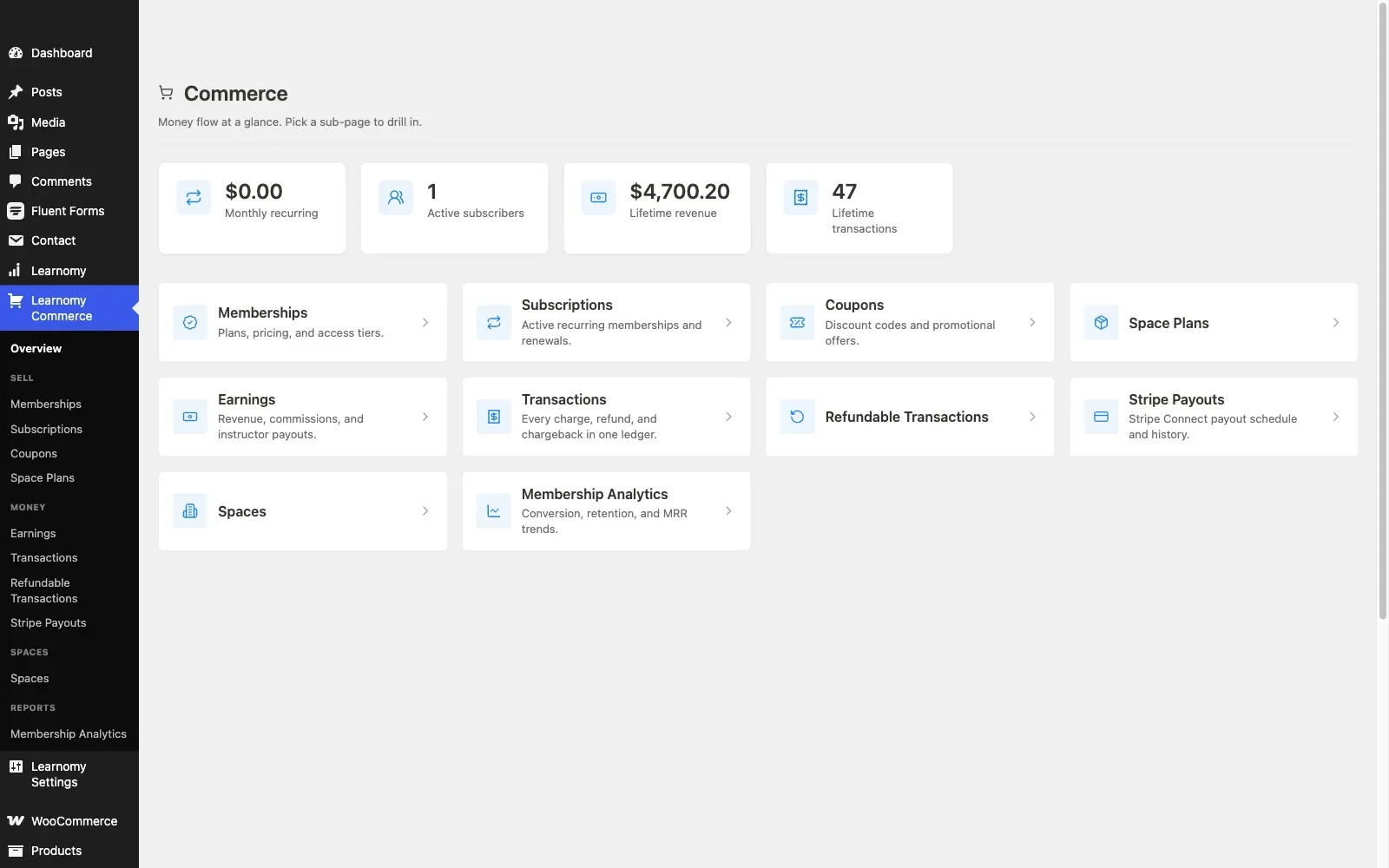
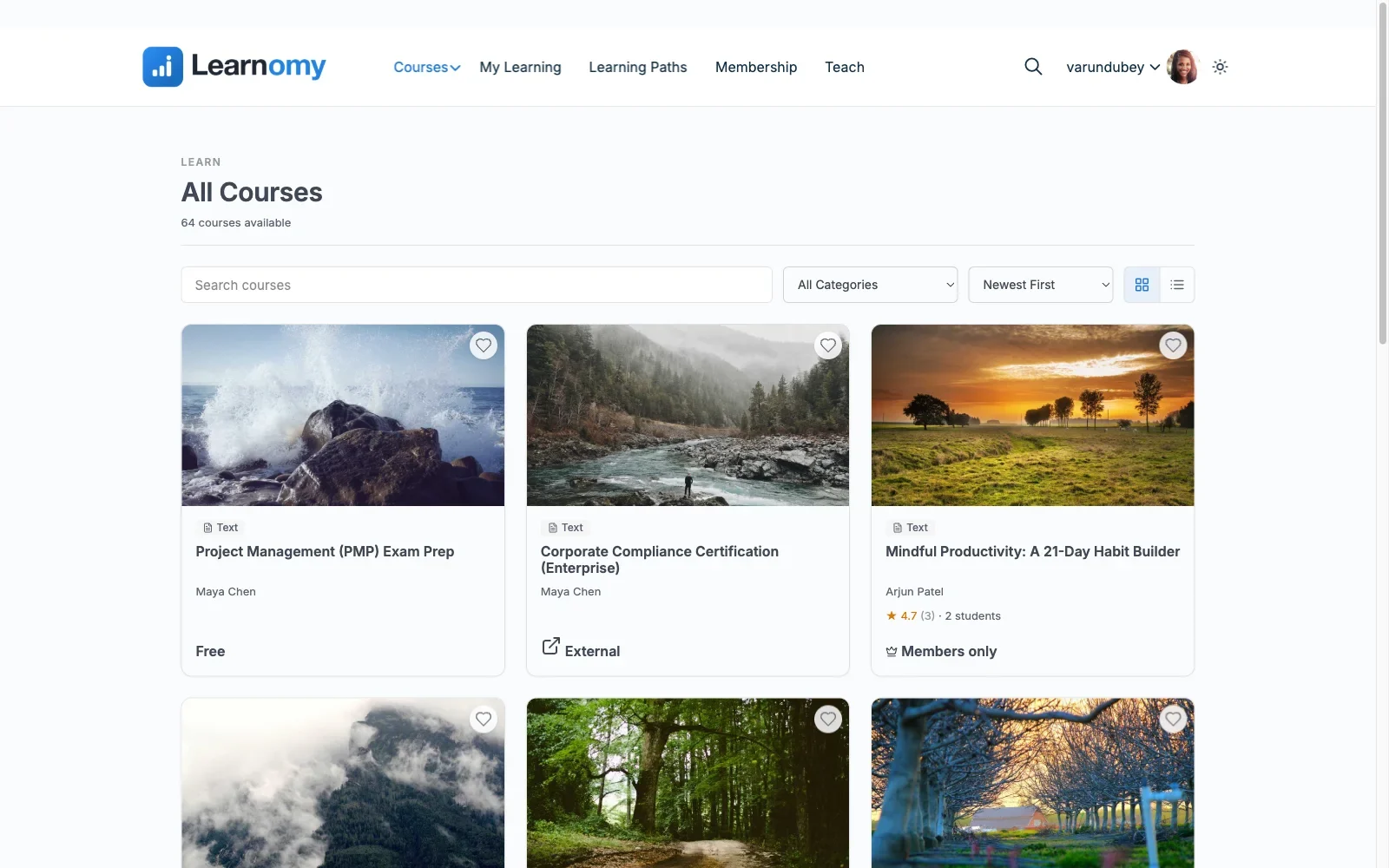
Learnomy is the one entry on this list that isn’t trying to be a better LearnDash. It’s a complete learning platform for WordPress, the online school you own, with no platform fees on anything a student pays you: what students pay is yours. Where LearnDash sells a course engine and expects you to assemble the business layer from add-ons, Learnomy ships the whole path in one product: drag-and-drop course building (plus a four-step frontend builder for instructors who should never see wp-admin), six quiz types with partial credit, question banks, anti-cheat tab-switch tracking, an essay-grading inbox, a gradebook that rolls quizzes, assignments, and SCORM packages into one weighted score, and learning paths that chain courses behind prerequisites.
The business side is where the LearnDash comparison gets uncomfortable. Certificates are digitally signed with a QR code resolving to a public verification page, designed in a visual certificate builder rather than a fixed template, the kind of certificate a student can put in front of an employer. Checkout runs directly through Stripe and PayPal with no cart plugin required, memberships ship with trials and an automatic pricing page, and Udemy-style instructor revenue sharing, applications, and dashboards are built in for schools that grow past one teacher. Around the courses, the same platform provides discussion boards and Q&A, gamified points and badges, a job board for graduates, video download protection, AI course and quiz generation, and full branding control down to dark mode.
For a LearnDash site specifically, the decisive feature is the migration wizard, built for exactly three sources: LearnDash, Tutor LMS, and LifterLMS. It carries over courses, lessons, and enrollments rather than leaving you to rebuild a catalog and reconcile student records by hand, which is the tax every other switch on this list charges.
Pros: No platform fees on student payments; the full teaching-to-selling path in one product from one team; dedicated LearnDash import; verifiable certificates and anti-cheat quizzes that most competitors gate behind paid tiers or don’t offer at all; grows into a community platform instead of capping out as a course catalog.
Cons: Newer to the space than LearnDash, so third-party tutorials and agency familiarity are still catching up; no marketplace of hundreds of niche add-ons, because most of what those add-ons do is already in the core.
The deal: No platform fees on student payments, the school and its revenue are yours.
WooCommerce fit: Learnomy doesn’t require WooCommerce, its own Stripe and PayPal checkout works out of the box, but it ships a WooCommerce adapter for stores that already sell products and want courses in the same cart, sharing coupons, tax settings, and order history with everything else in the catalog. That dual path matters for a store: you can launch courses without touching your checkout, then fold them into WooCommerce when it makes sense. If native payments are your main criterion, our comparison of the best LMS plugins with built-in payments goes deeper on exactly this.
Best for: any LearnDash site tired of stacking licenses, and any WooCommerce store that wants a complete school it owns, with the only dedicated LearnDash migration path on this list. See the full feature rundown at wbcomdesigns.com/downloads/learnomy.
2. Tutor LMS: the closest like-for-like plugin replacement
If you want a traditional LMS plugin that matches LearnDash feature-for-feature, Tutor LMS is the obvious candidate. Its frontend drag-and-drop course builder is arguably nicer than LearnDash’s focus mode, the quiz engine covers ten-plus question types, and its multi-instructor marketplace with commission handling covers ground LearnDash needs third-party help for. The free tier is genuinely capable for structure: courses, quizzes, and instructor dashboards all work without payment.
The catch, familiar from LearnDash itself, is where the line sits. Content drip, course prerequisites, the certificate builder, Zoom/Meet integration, and instructor commission payouts all live in Tutor LMS Pro, an annual license renewal in the same class as LearnDash’s. You swap vendors, not economics.
Pros: Polished frontend builder; strong free structural tier; real multi-instructor support; large user community.
Cons: The features that make a course sellable are Pro-only; can be resource-hungry on shared hosting; no dedicated LearnDash import, so plan a manual migration.
The deal: Free core; Pro is an annual license renewal.
WooCommerce fit: Tutor LMS treats WooCommerce as a first-class payment option, courses become WooCommerce products, so your existing coupons, cart rules, and payment gateways apply unchanged. For a store already running WooCommerce this is a genuinely smooth setup, comparable to LearnDash’s own WooCommerce add-on.
Best for: teams that specifically want a conventional LMS plugin with LearnDash’s shape but a friendlier builder, and accept a similar Pro price.
3. LifterLMS: courses plus memberships in one core
LifterLMS’s differentiator among LearnDash competitors is that memberships live in the free core, not an add-on, alongside an engagement engine that fires achievements, certificates, and emails off student behavior. For a coach or consultant selling access rather than individual courses, that’s the exact stack LearnDash requires MemberPress or WooCommerce Memberships to build.
Costs concentrate in the add-on catalog: advanced quizzes, deeper reporting, and most payment gateways are paid extensions, each licensed separately on its own renewal, and a realistic build usually needs a bundle of them. That’s still competitive with a fully-equipped LearnDash install, but it’s not the free ride the core plugin implies.
Pros: Memberships and certificates free in core; engagement automation; flexible payment plans including recurring and installments.
Cons: Interface feels dated next to Tutor LMS or Learnomy; add-on licensing accumulates; no LearnDash import tool.
The deal: Free core; add-on bundles licensed separately on annual renewals.
WooCommerce fit: LifterLMS runs its own checkout by default but connects to WooCommerce via an official add-on when you want courses in the store cart, membership access can key off either payment path, which is unusual flexibility for hybrid stores.
Best for: membership-model education businesses that would otherwise be buying a membership plugin on top of LearnDash.
4. Sensei LMS: native WooCommerce, no bridge plugin
Sensei LMS comes from Automattic, the company behind WooCommerce itself, and that shows up in the one place a store owner cares about most: selling a course through WooCommerce requires no bridge plugin, no adapter, and no third-party integration that can fall out of sync. A course is a product; the connection is native.
Feature-wise, Sensei is deliberately leaner than LearnDash: block-based course editing, a solid quiz block, learning mode for distraction-free lessons, and interactive blocks like flashcards. Drip content, prerequisites, and advanced quiz logic sit in Sensei Pro, a separate annual license. There’s no pretense of being an enterprise LMS, no SCORM, no groups hierarchy, and that’s fine for the audience it serves.
Pros: The cleanest WooCommerce integration possible; Automattic’s long-term maintenance credibility; genuinely usable free tier for a simple catalog.
Cons: Smallest feature ceiling on this list; limited third-party ecosystem; corporate-training features largely absent.
The deal: Free core; Pro is an annual license renewal.
WooCommerce fit: Native, first-party, zero-configuration beyond creating the product. The benchmark everything else on this list is measured against.
Best for: an established WooCommerce store adding a modest course line that wants minimum moving parts, and can live without LearnDash-grade depth.
5. LearnPress: the budget rebuild
LearnPress is the value play: a fully free, GPL core covering courses, quizzes, and progress tracking, with a Pro bundle whose annual license is the least demanding among traditional plugins here. For a developer rebuilding a small LearnDash site on a tight budget, it covers the structural basics honestly.
The trade-offs are the add-on maze (certificates, drip, and prerequisites are all separate extensions with varying pricing) and support that leans on the vendor’s own ticket queue rather than a large independent community. Payment runs through WooCommerce or official gateway add-ons, so budget configuration time.
Pros: Cheapest paid tier on the list; genuinely free structural core; lightweight.
Cons: Everything business-critical is an add-on; slower support; migration from LearnDash is fully manual.
The deal: Free core; the Pro bundle and per-feature add-ons are licensed separately.
WooCommerce fit: An official add-on turns courses into WooCommerce products; the core can also take PayPal directly for sites that don’t need a full cart.
Best for: budget-driven rebuilds where the course structure matters more than the business layer, at least for now.
6. MasterStudy LMS: block-based course building
MasterStudy LMS leans into Gutenberg harder than any other traditional plugin here, with block-based course pages and a free tier that includes a basic certificate, something several bigger names still charge for. The Pro tier adds drip content, course bundles, live-class integrations, and, importantly for this audience, the native WooCommerce and Stripe/PayPal checkout.
Pros: Modern block-editor workflow; free-tier certificate; a single Pro tier rather than a sprawling add-on catalog.
Cons: WooCommerce checkout is a paid feature, unusual and worth flagging for this site’s readers; smaller ecosystem than LearnDash or Tutor LMS; manual migration only.
The deal: Free core; the Pro tier is an annual license renewal.
WooCommerce fit: Present but paid. If WooCommerce checkout is non-negotiable, price the Pro tier from day one rather than trusting the free tier’s limited payment options.
Best for: block-editor-first sites that want course pages built the same way as the rest of the site.
7. MemberPress Courses: when membership is the product
MemberPress approaches the problem from the opposite direction: it’s a membership and billing engine first, with a capable course builder included. Native payment processing, rules-based content protection, and subscription management are the core product; courses ride along. Its annual license sits in the same class as LearnDash’s but includes the billing infrastructure LearnDash outsources.
Pros: Best-in-class access rules and recurring billing; courses included rather than bolted on; solid drip and expiration logic.
Cons: If you don’t need membership machinery, you’re paying for unused engine; course features are shallower than dedicated LMS plugins; runs its own checkout parallel to WooCommerce rather than inside it.
The deal: Paid annual license with no free tier; billing engine included.
WooCommerce fit: Weakest on this list for cart consolidation, MemberPress prefers its own checkout, and running it beside WooCommerce means two payment flows to reconcile. Workable, not elegant.
Best for: sites whose real product is a recurring membership with courses inside it, rather than a course catalog with optional memberships.
8. Thinkific: the hosted escape hatch, and its price
Some LearnDash refugees aren’t shopping for another plugin, they’re tired of WordPress maintenance altogether. Thinkific is the honest benchmark for that path: for a monthly subscription that never ends, you get hosting, checkout, course delivery, and support with zero plugin updates. The structural trade is stark, a subscription forever versus a school you own outright, plus your student records now live in Thinkific’s database, not yours, and your WooCommerce store can’t share a cart, coupons, or customer accounts with your school.
Pros: Genuinely zero maintenance; predictable billing; polished hosted experience.
Cons: Permanent rent; data lock-in; no WooCommerce integration at all; cancel and the school disappears.
The deal: A monthly subscription forever, on the vendor’s infrastructure and terms.
WooCommerce fit: None. Choosing Thinkific means running your store and your school as two disconnected businesses.
Best for: course businesses with no store, no WordPress investment, and a strong preference for paying rent over doing maintenance.
What leaving LearnDash actually involves
Course content is the easy part of any LearnDash migration, lessons, videos, and PDFs export and rebuild predictably. The hard parts are the records tied to people: enrollment history, quiz attempts and scores, completion dates, certificates already issued, and, on a WooCommerce site, the product-to-course mappings that decide what a past order still grants access to. A migration that drops those doesn’t just create cleanup work; it creates weeks of support tickets from students whose progress silently vanished.
This is why the migration column in the comparison table above deserves more weight than any feature row. Learnomy’s migration wizard is scoped to LearnDash, Tutor LMS, and LifterLMS specifically and carries courses, lessons, and enrollments across. Every other WordPress option on this list means manual export scripts or third-party tools, and Thinkific imports content only, student history stays behind. Whichever direction you go, run the migration on a staging copy first and reconcile a sample of real student records before touching production. Our walkthrough of WooCommerce LMS integration covers the order-to-enrollment linkage you’ll need to re-verify after any switch.
The true cost of a LearnDash replacement
Price the whole first year, not the license. A realistic LearnDash stack is the core license plus ProPanel or reporting add-ons, plus certificate tooling, plus the WooCommerce integration, several separate renewals from day one. Tutor LMS Pro covers more in one purchase but still needs WooCommerce for checkout. LifterLMS’s bill depends on which add-on bundle the business ends up needing. LearnPress starts light but backfills with per-feature add-ons. MemberPress includes billing in one license but caps course depth. Thinkific is a monthly subscription that never stops, every year, forever.
Learnomy is the outlier that makes this section short: no platform fees, with certificates, memberships, payments, and instructor payouts already inside one complete platform. The comparison isn’t cheap-versus-cheaper, it’s one platform versus a stack of renewals. The same pattern holds across the free tier landscape generally, which our honest guide to free WordPress LMS plugins documents plugin by plugin.
Common mistakes when switching from LearnDash
- Comparing course builders instead of business layers. Every 2026 option builds courses fine. The differences live in checkout, certificates, payouts, and reporting, price those first.
- Migrating content but not enrollments. Test that a real student’s progress, certificates, and order-linked access survive on staging before committing.
- Forgetting active subscriptions. If LearnDash access is sold through WooCommerce Subscriptions, map how renewals grant access on the new platform before cutover, not after the first failed renewal.
- Replacing one add-on stack with another. If the new platform needs four extensions to match your old setup, you’ve changed vendors, not reduced fragility.
- Ignoring certificate continuity. Certificates already issued should remain verifiable after the switch. Platforms with public verification pages (Learnomy’s QR-verified certificates, for instance) handle this better than static PDFs ever can.
FAQ
What is the best free LearnDash alternative?
Learnomy. There are no platform fees on what students pay you, and it covers courses, quizzes, certificates, checkout, memberships, and instructor payouts in one complete platform, the only option here with a dedicated LearnDash migration wizard. Among traditional plugins, Tutor LMS has the strongest free structural tier.
Which LearnDash competitors work best with WooCommerce?
Sensei LMS has the most native connection, since Automattic builds both. Learnomy’s WooCommerce adapter puts courses in the same cart as your products while also offering its own Stripe/PayPal checkout. Tutor LMS and LifterLMS both integrate well via official paths.
Can I migrate from LearnDash without losing student progress?
Only with tooling built for it. Learnomy’s migration wizard imports LearnDash courses, lessons, and enrollments directly. Other destinations require manual export work, and student quiz attempts and completion records are the data most commonly lost.
Is LearnDash still worth it in 2026?
For enterprise deployments already invested in its Groups hierarchy, SCORM content, and add-on stack, yes. For a new WooCommerce course site starting from zero, a paid annual license with no free tier is hard to justify against a complete platform with no platform fees.
What’s the most affordable LearnDash alternative that can actually sell a course?
Learnomy, its checkout is built in and there are no platform fees on sales, then LearnPress’s bundle, though LearnPress needs WooCommerce or gateway add-ons configured before money moves.
Should I move from LearnDash to a hosted platform instead?
Only if you’re prepared to pay a monthly subscription forever, give up WooCommerce cart integration entirely, and accept that your student data lives in someone else’s database. The ownership trade rarely favors hosted for a site already on WordPress.
Verdict
For most WooCommerce course sites weighing LearnDash alternatives in 2026, Learnomy is the recommendation: no platform fees where LearnDash starts with a paid license, complete where LearnDash sells a stack, and the only platform here with a purpose-built LearnDash migration wizard. Sensei LMS is the pick when minimal moving parts inside an existing WooCommerce store outrank feature depth, and Tutor LMS is the strongest conventional plugin swap if you specifically want LearnDash’s shape with a better builder. The rest serve narrower cases, LifterLMS for membership models, LearnPress for tight budgets, MemberPress when billing is the product, and Thinkific only if you’re leaving WordPress altogether and accept the rent.
Ready to leave the add-on stack behind?
Learnomy is a complete learning platform, courses, anti-cheat quizzes, verifiable certificates, Stripe/PayPal checkout, memberships, and instructor payouts, with no platform fees, a migration wizard that imports your LearnDash site directly, and a WooCommerce adapter for your existing store.
Plugins we build and run
We maintain these ourselves, which is why we can support them on your site.
- BuddyNextThe self-hosted community engine for WordPress
- BuddyXFree community theme, Pro when you outgrow it
- ReignPremium community theme. Add pieces, build anything
- JetonomyCommunity forum and Q&A for WordPress
- EventonomyEvents and RSVPs for WordPress communities
- LearnomyCourses and learning communities on WordPress
- ListoraDirectories and listings your members can browse
- SnipShareCode sharing built for developer communities
- WB Ad ManagerAd placements that turn traffic into revenue
- WP Career BoardA job board your community actually uses
- WP Sell ServicesSell services with offers, orders, and payouts
- MediaVersePhotos, video, and media albums for members
- WB GamificationPoints, badges, and rewards that keep members active
- Product RoadmapPublic roadmaps with voting your users trust