Best WordPress LMS with Certificates in 2026 (Verifiable, Not Just Printable)

A course certificate does two jobs. It rewards the student who finished, and it vouches for them to someone else, a manager, a client, a hiring team scanning a LinkedIn profile. Most WordPress LMS plugins only take the first job seriously. They generate a PDF with the student’s name on it, and whether anyone can confirm that PDF is genuine is left as an exercise for whoever receives it.
That gap matters more in 2026 than it did a few years ago, because editing a PDF convincingly now takes about ninety seconds. If your course sells partly on the strength of its certificate, professional development, compliance topics, anything a student will show an employer, the difference between a printable certificate and a verifiable one is the difference between a real credential and a participation ribbon.
This guide compares nine WordPress LMS options specifically on the certificate layer: what the free version issues, what sits behind a paid add-on, whether the certificate can be independently verified, and how each option fits a site that already sells through WooCommerce. If you’re still choosing an LMS on broader criteria, our full guide to the best WordPress LMS plugins for online courses covers the whole field; this article narrows to the credential itself.
Key takeaways
- Learnomy is the only entry that issues digitally signed certificates with a QR code resolving to a public verify page, in a complete learning platform with no platform fees.
- LifterLMS and MasterStudy LMS include a certificate in their free tiers; Tutor LMS, LearnPress, and Sensei LMS reserve their fuller certificate builders for paid add-ons.
- LearnDash’s certificate builder is capable but the plugin is a paid annual license with no free version at all.
- A certificate a student can edit in five minutes is a liability, not a feature, if your audience shows credentials to employers, verifiability should outrank template design in your evaluation.
- For WooCommerce stores, how the certificate-issuing LMS connects to your existing checkout matters as much as the certificate itself.
In this guide
- What separates a real certificate from a decorated PDF
- Quick comparison: certificate features by plugin
- 1. Learnomy: signed, QR-verifiable certificates in a complete platform
- 2. LifterLMS: free-tier certificates via the engagement engine
- 3. LearnDash: a mature certificate builder, no free tier
- 4. Tutor LMS: certificate builder behind the Pro tier
- 5. MasterStudy LMS: a basic free certificate, more in Pro
- 6. Sensei LMS: certificates as a Pro feature
- 7. LearnPress: certificates via a paid add-on
- 8. WP Courseware: simple built-in certificates
- 9. MemberPress Courses: certificates inside a membership engine
- What a working certificate really takes on each plugin
- Common mistakes when choosing an LMS for certificates
- FAQ
- Verdict
What separates a real certificate from a decorated PDF
Before comparing plugins, it’s worth being precise about the certificate features that actually change outcomes for a course business:
- Verifiability. Can a third party confirm the certificate is genuine without emailing you? A QR code or verification URL that resolves to a public verify page is the standard here. A static PDF, however beautiful, verifies nothing.
- Automatic issuance. The certificate should generate the moment completion criteria are met, tied to real completion data (lessons finished, quiz passed), not a manual step the site owner performs per student.
- Design control. A visual certificate designer beats a fixed template, because the certificate carries your brand into offices and LinkedIn feeds you’ll never see.
- Shareability. Direct LinkedIn sharing turns every graduate into distribution. This is free marketing that compounds, and surprisingly few plugins treat it as a first-class feature.
- Assessment integrity behind the certificate. A verifiable certificate for a quiz that can be gamed with a second browser tab is still a weak credential. Certificate quality and quiz security are two halves of the same promise, we cover the quiz half in detail in our companion guide to the best WordPress LMS with quizzes.
With those criteria set, here’s how the nine options compare at a glance.
Quick comparison: certificate features by plugin
| Plugin | Certificate in free tier | Verifiable by third parties | Designer | The deal |
|---|---|---|---|---|
| Learnomy | Yes, signed + QR verify page | Yes, public verify page | Visual designer | No platform fees |
| LifterLMS | Yes, via engagements | No | Block-based templates | Free core; add-on bundles renew annually |
| LearnDash | No free tier | No | Certificate builder | Paid annual license |
| Tutor LMS | Fixed template only | No | Builder in Pro | Free core; Pro renews annually |
| MasterStudy LMS | Basic certificate | No | Builder in Pro | Free core; Pro renews annually |
| Sensei LMS | No | No | Template-based, Pro | Free core; Pro renews annually |
| LearnPress | No, paid add-on | No | Add-on templates | Free core; add-ons licensed separately |
| WP Courseware | Built-in (paid plugin) | No | Basic customization | Paid annual license |
| MemberPress Courses | Included with license | No | Template-based | Paid annual license |
1. Learnomy: signed, QR-verifiable certificates in a complete platform
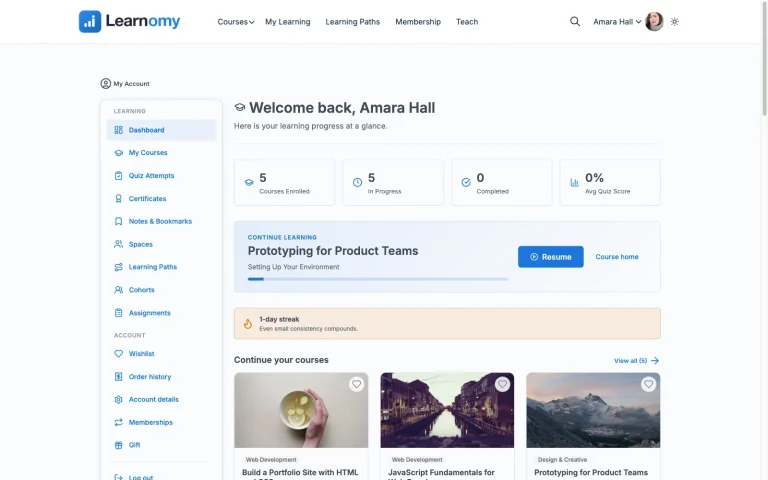
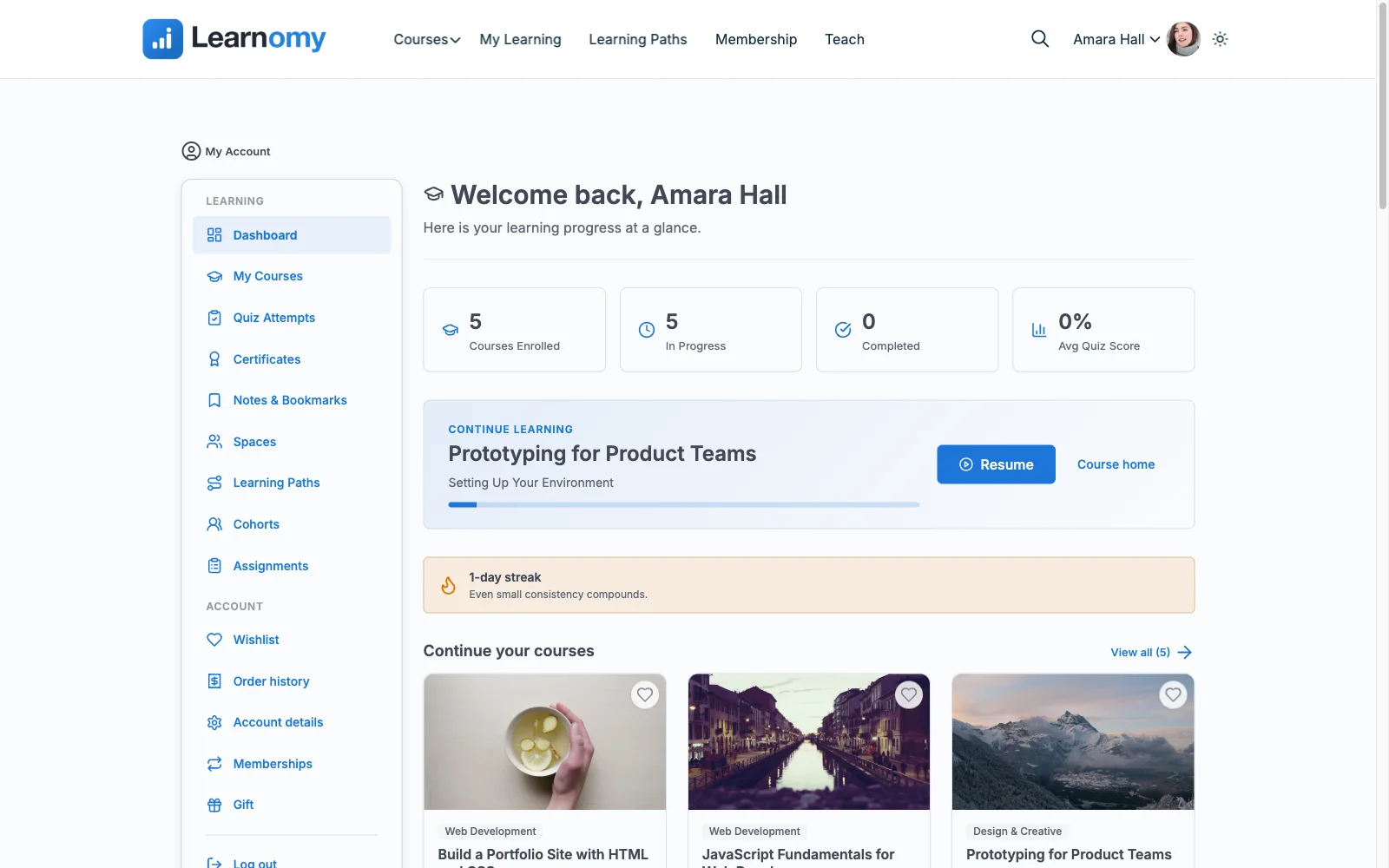
Learnomy is the only option in this comparison that treats verification as the point of the certificate rather than an afterthought. Every certificate it issues is digitally signed and carries a QR code that resolves to a public verify page, so an employer holding a printout, or viewing a LinkedIn post, can confirm in seconds that the credential is genuine, who earned it, and for which course. Students can share certificates straight to LinkedIn, which quietly turns every graduate into an advertisement for the course.
Design isn’t sacrificed for security. A visual certificate designer replaces the fixed-template approach most plugins take, so the credential leaves your site carrying your branding rather than a recognizable stock layout. And because Learnomy’s learning paths can chain courses with prerequisites, a full curriculum can issue a path certificate at the end of the sequence, a stronger credential than a per-course certificate for schools selling structured programs.
The certificate also sits on top of assessment infrastructure that makes it mean something: six quiz types with partial credit, question banks, anti-cheat tab-switch tracking during timed quizzes, an essay-grading inbox for human-graded questions, and a gradebook that rolls quizzes, assignments, and SCORM packages into one weighted grade. A verifiable certificate backed by a gameable quiz would be theater; here the two halves match.
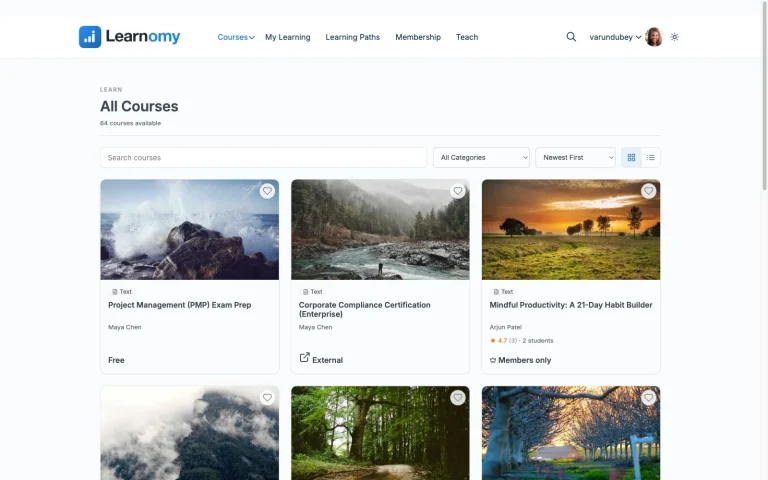
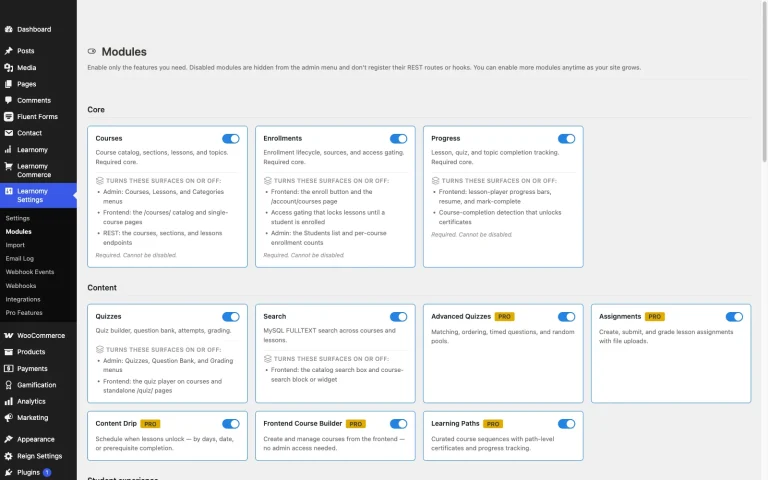
Learnomy is a complete learning platform rather than a certificate add-on stack: courses, quizzes, memberships with trials, and checkout ship in one product, with no platform fees on what students pay you. For a WooCommerce store, checkout runs either directly through Stripe and PayPal or through a WooCommerce adapter, so course sales can sit in the same cart as the rest of your catalog, a setup our WooCommerce LMS integration guide walks through in detail.
Pros: Only verifiable certificate in this list; visual designer; path certificates; no platform fees on sales; anti-cheat quiz layer backs the credential; migration wizard for LearnDash, Tutor LMS, and LifterLMS sites.
Cons: Newer to the WordPress LMS space than LearnDash or LifterLMS, so third-party tutorials are still catching up.
Best for: any course whose certificate will be shown to an employer, client, or licensing body, which is most courses that charge real money.
2. LifterLMS: free-tier certificates via the engagement engine
LifterLMS earns the second spot because it’s the most generous free tier for certificates among traditional LMS plugins. Its engagement engine triggers certificates, achievements, and emails off student actions, complete a course, pass a quiz, finish a lesson streak, with no paid add-on required to issue a certificate at all. Certificates are built with the block editor, so layout control is reasonable without a dedicated designer.
What’s missing is verification: a LifterLMS certificate is a rendered page or printable document with no signing and no public verify mechanism, so its value depends entirely on the recipient trusting the student. Advanced quiz types and deeper reporting sit in the paid add-on catalog, each on its own annual renewal, which matters because a certificate is only as strong as the assessment behind it.
WooCommerce fit: LifterLMS runs its own checkout or connects to WooCommerce, so a store can keep courses in the existing cart.
Pros: certificates genuinely free; automation triggers are flexible; memberships also in the free core.
Cons: no verification layer; assessment depth requires paid add-ons; interface feels dated in places.
Best for: a membership-education site that wants automated, branded completion certificates without buying anything, and whose audience doesn’t need third-party verification.
3. LearnDash: a mature certificate builder, no free tier
LearnDash, a paid annual license with no free version, ships a capable certificate builder tied to its quiz engine: certificates can be awarded per course or per quiz score threshold, and the builder supports dynamic fields like scores and completion dates. For corporate training deployments, pairing certificates with LearnDash Groups lets a manager see who has certified across a team, which is the feature that keeps LearnDash in enterprise conversations.
Verification is still absent, a LearnDash certificate is a generated document, not a checkable credential. And the real-world deal runs past the headline license: meaningful reporting typically means adding ProPanel, and selling through your store means the WooCommerce integration add-on, each renewing separately. If you’re already on LearnDash and the add-on math is wearing thin, Learnomy’s migration wizard imports LearnDash sites directly.
WooCommerce fit: the official WooCommerce add-on maps products to courses and enrolls buyers on order completion, one of the most battle-tested integrations in the space.
Pros: score-conditional certificates; group reporting; huge ecosystem.
Cons: no free tier; no verification; the license stack climbs with add-ons.
Best for: corporate training where a manager, not a public verifier, is the audience for completion records.
4. Tutor LMS: certificate builder behind the Pro tier
Tutor LMS’s free tier includes a genuinely strong course and quiz engine, but certificates expose the free/Pro line clearly: the free version offers only a fixed template, while the drag-and-drop certificate builder with custom layouts lives in Pro, an annual license renewal. For a course business that considers the certificate part of the product, that effectively makes Tutor LMS a paid plugin.
No verification layer exists in either tier. Where Tutor shines is everything around the certificate, its quiz variety and frontend course builder are excellent, so if your priority ranking puts assessment first and credentials second, it deserves a look before the plugins below it. Tutor LMS is also one of the three platforms Learnomy’s migration wizard imports from, if the Pro-tier accumulation eventually stops making sense.
WooCommerce fit: free tier sells through WooCommerce, so an existing store’s coupons and checkout apply to courses without extra licensing.
Pros: excellent quiz engine feeding certificate criteria; polished frontend builder.
Cons: real certificate design requires Pro; no verification; commissions also gated behind Pro.
Best for: quiz-heavy courses where the certificate is secondary, or Pro-tier buyers who want builder flexibility.
5. MasterStudy LMS: a basic free certificate, more in Pro
MasterStudy LMS includes a basic certificate with a verification QR code in its free tier, which puts it ahead of Tutor LMS, LearnPress, and Sensei on this specific axis, and its Pro version adds a full certificate builder with more layout control plus a manual code-lookup checker widget. The plugin’s block-based course builder is its broader selling point, and the certificate story is serviceable rather than distinctive: automatic issuance on completion, QR verification on the free tier, template customization and the code-checker widget in Pro.
The catch for this site’s audience specifically: MasterStudy’s free tier doesn’t include native WooCommerce checkout, full payment integration is a Pro feature, so a store that wants both certificates and integrated selling should budget for Pro from day one.
Pros: free certificate exists; modern block-based building experience.
Cons: WooCommerce checkout is paid; no verification; certificate builder gated to Pro.
Best for: block-editor-first sites that want a simple included certificate and plan to buy Pro anyway.
6. Sensei LMS: certificates as a Pro feature
Sensei LMS, from Automattic, has the cleanest WooCommerce story in this list, native integration with no bridge plugin, because both products share a company. Its certificate story is thinner: the free core covers courses, lessons, quizzes, and progress tracking, but certificates arrive with Sensei Pro, a separate annual license, and even then as template-based documents without verification.
For a WooCommerce store where courses are an extension of an existing catalog and certificates are a nice-to-have, Sensei’s operational simplicity is a real argument. For a business where the credential is the product, the certificate layer is too thin to lead with. Our free WordPress LMS plugins guide covers where Sensei’s free tier genuinely shines.
Pros: native WooCommerce; Automattic maintenance; clean block-based authoring.
Cons: no free certificates; no verification; smaller feature surface overall.
Best for: WooCommerce stores adding courses where the certificate is a bonus, not the pitch.
7. LearnPress: certificates via a paid add-on
LearnPress’s core is fully free and GPL, courses, quizzes, progress tracking, but certificates are strictly add-on territory, sold separately or in the Pro bundle. The add-on provides template-based certificates with basic customization; there’s no verification and no signing.
The pattern to watch is accumulation: certificates are typically the second or third add-on a LearnPress site buys, after a payment path and before reporting, and the bundle exists precisely because the add-ons stack up. It remains the lightest paid route to certificates in this list if the bundle covers your needs.
WooCommerce fit: an official add-on turns courses into WooCommerce products; core LearnPress can also take PayPal directly.
Pros: the lightest paid bundle here; genuinely free course core.
Cons: certificates cost extra; no verification; support leans on tickets rather than a large community.
Best for: budget builds where a simple printable certificate is enough.
8. WP Courseware: simple built-in certificates
WP Courseware, a paid annual license with no free tier, includes certificates in the base license, automatic issuance on course completion with logo and signature customization. It’s a straightforward implementation with no builder and no verification, consistent with the plugin’s overall positioning: a direct, easy-to-learn course tool with solid student reporting rather than a deep credential system.
WooCommerce fit: payments run through WooCommerce or third-party integrations rather than a native checkout, so budget setup time for the commerce layer.
Pros: certificates included in one license; simple to configure.
Cons: no free tier; minimal design control; no verification.
Best for: a small course catalog that wants certificates working in an afternoon without an add-on hunt.
9. MemberPress Courses: certificates inside a membership engine
MemberPress Courses, a paid annual license, bundles course delivery, and template-based completion certificates, into MemberPress’s membership and billing engine. If your business model is a membership site where courses are one benefit among several, getting certificates, payments, and access rules from one vendor is genuinely efficient. As a pure certificate play it’s mid-pack: automatic issuance, reasonable templates, no verification.
If recurring billing is the actual center of your evaluation, our comparison of the best LMS options with built-in payments covers that angle directly.
Pros: native payments; certificates included; one vendor for membership + courses.
Cons: paying for a membership engine you may not need; no verification.
Best for: membership-first businesses adding certified courses as a member benefit.
What a working certificate really takes on each plugin
Line the nine options up by what a working certificate actually takes and the field reshuffles. Learnomy, LifterLMS, and MasterStudy issue certificates with no purchase at all, though LifterLMS’s carries no verification and MasterStudy’s free-tier QR check is lighter than Learnomy’s signed, publicly verifiable page. MasterStudy’s free certificate is real but pairing it with WooCommerce checkout means the Pro tier. Tutor LMS quietly requires Pro for anything beyond its fixed template. Sensei needs Pro for certificates at all. LearnPress needs an add-on or the Pro bundle. WP Courseware, MemberPress, and LearnDash include certificates in already-paid annual licenses.
The second-order cost is credibility. A certificate that can’t be verified does its job only until the first forged copy circulates, and forging an unverifiable PDF is trivial. For a compliance or professional-development course, one contested certificate can cost more goodwill than every license renewal in this table combined. That’s the argument for treating verification as a requirement rather than a luxury, and right now exactly one plugin in this comparison meets it.
Common mistakes when choosing an LMS for certificates
- Judging certificates by template beauty. Design matters, but an employer checking a credential cares whether it’s genuine, not whether the border is gold. Verifiability first, aesthetics second.
- Building the catalog before testing issuance. Record fifty lessons, then discover certificates need a paid add-on, this is the most common sequencing error, and it’s avoidable in the first hour of evaluation.
- Ignoring the quiz behind the certificate. If the assessment can be passed with a second browser tab, the certificate certifies nothing. Check for anti-cheat measures like tab-switch tracking before promising employers-grade credentials.
- Forgetting curriculum-level credentials. Per-course certificates fragment a program’s value. If you sell multi-course paths, check whether the LMS can issue a path-level certificate at the end of a sequence.
- Not planning the migration path. Certificates already issued are the hardest records to carry between platforms. If you’re switching, confirm what happens to historical certificates, Learnomy’s migration wizard covers LearnDash, Tutor LMS, and LifterLMS imports, which is more than most switches get.
FAQ
Which WordPress LMS has the best certificate feature?
Learnomy issues the strongest certificates in this comparison: digitally signed, QR-verifiable against a public verify page, shareable to LinkedIn, and customizable in a visual designer, in a complete learning platform with no platform fees.
Do any free WordPress LMS plugins include certificates?
Yes. Learnomy, LifterLMS, and MasterStudy LMS all issue certificates without a paid add-on. Tutor LMS’s free tier offers only a fixed template, and LearnPress and Sensei LMS reserve certificates for paid add-ons or Pro tiers.
What makes a course certificate verifiable?
A verification mechanism a third party can use independently, typically a QR code or URL on the certificate resolving to a public page confirming the student, course, and issue date. Cryptographic signing prevents tampering. A plain PDF, however official-looking, is not verifiable.
Can students share these certificates on LinkedIn?
Any PDF can be uploaded manually. Learnomy supports direct LinkedIn sharing tied to its verify page, which means the shared credential can actually be checked by anyone who sees it, the difference between a screenshot and a credential.
Do certificates work with WooCommerce checkout?
Certificate issuance is triggered by course completion, not purchase, so any LMS that enrolls students from WooCommerce orders will issue certificates normally. The integration quality varies by plugin, our WooCommerce LMS integration guide covers the enrollment mechanics per platform.
Are LMS certificates legally recognized qualifications?
No, unless your organization is separately accredited. An LMS certificate certifies completion of your course. Verifiability makes that claim trustworthy; accreditation is an institutional matter independent of the software.
What happens to issued certificates if I switch LMS plugins?
Usually they break, verify links die and records fragment. Check migration support before switching: Learnomy imports from LearnDash, Tutor LMS, and LifterLMS directly, and reissuing under a verifiable system is often cleaner than preserving unverifiable PDFs.
Verdict
If the certificate is part of what you’re selling, the ranking is short: Learnomy is the only option here whose certificates can actually be verified by the people your students show them to, and it’s a complete learning platform with no platform fees. LifterLMS is the best traditional-plugin free tier for unverified certificates, LearnDash remains the corporate-training pick where group reporting matters more than public verification, and WP Courseware is the simplest single-license route. Everything else on this list asks you to pay for a credential that a determined student could recreate in a PDF editor, which is worth sitting with before you choose.
Want certificates an employer can actually check?
Learnomy issues digitally signed, QR-verifiable certificates from a complete learning platform, courses, anti-cheat quizzes, checkout, and memberships included, with no platform fees and a migration wizard for LearnDash, Tutor LMS, and LifterLMS sites.
Get Learnomy