A membership site and a course business look similar from the outside, recurring access, gated content, a login wall, but they’re usually built around a different core asset. A course business sells a curriculum with a start and an end. A membership site sells ongoing access: a content library that grows every month, a community, and courses as one of several reasons to stay subscribed rather than the entire product. That difference changes which LMS actually fits.
This comparison is written for the second group: site owners running (or planning) a membership business where courses are a retention feature inside a broader offer, not the standalone product. If you’re specifically evaluating LMS plugins for how well they handle membership levels, trials, and renewal logic as a feature checklist, our guide to WordPress LMS with membership features covers that comparison directly. This article is about the platform decision from the membership-business side: what happens when courses are one tab in a larger dashboard instead of the whole site.
Table of Contents
- Quick comparison
- Courses as a retention feature, not the product
- 1. Learnomy: memberships, courses, and community as one system
- 2. MemberPress Courses: the membership engine courses were added to
- 3. LifterLMS: membership as a first-class citizen in the free core
- 4. LearnDash: mature course engine, membership via a bundled companion plugin
- 5. Tutor LMS: course-first, membership bolted on
- 6. Restrict Content Pro + a course plugin: the modular route
- 7. Thinkific: hosted memberships, thinner content-library model
- 8. MasterStudy LMS: subscriptions on the paid tier
- Why the content mix matters more than the LMS feature list
- What actually reduces membership churn
- Common mistakes membership site owners make
- FAQ
- Verdict
Quick comparison
| Platform | Built around | Non-course content in membership | Community | The deal |
|---|---|---|---|---|
| Learnomy | A complete platform, membership is native | Courses plus discussion boards, job board, gamified content | Native discussion boards and Q&A | No platform fees, what members pay is yours |
| MemberPress Courses | Membership engine first, courses added on top | Any page/post type via MemberPress rules | Via community add-on | Annual license renewal |
| LifterLMS | Course engine with native membership levels | Courses and any protected page/post | Achievement feed, not full discussion | Free core, annual add-ons for depth |
| LearnDash | Course engine, membership via bundled MemberDash plugin | Courses; other content needs a separate plugin | Via bbPress/BuddyPress integration | Annual license, MemberDash included |
| Tutor LMS | Course engine, membership on paid tier | Mostly course-scoped | Limited native | Annual license renewal, tiered |
| Restrict Content Pro + course plugin | Membership engine, course plugin stacked on top | Any content type natively | Depends on stack chosen | Two separate annual licenses |
| Thinkific | Course-hosting platform with a membership plan tier | Mostly course-scoped | Separate community product | A monthly subscription forever |
| MasterStudy LMS | Course engine, subscriptions on paid tier | Mostly course-scoped | Points-based, not discussion | Annual license renewal, tiered |
Courses as a retention feature, not the product
The clearest way to tell whether you’re building a course business or a membership business is to ask what happens to a subscriber who finishes every course in the library. In a course business, that’s the end state, they bought what they came for. In a membership business, that subscriber should still have a reason to stay: new content added monthly, a community they’re part of, a discussion that keeps going, other protected content beyond courses like templates, downloads, or a resource library.
This matters for platform choice because most WordPress LMS plugins are architected around the first model. They’re excellent at gating a specific course behind a specific payment, and comparatively thin on gating an entire content library, mixing courses with other post types, downloads, and a community, behind one subscription. A membership site owner who picks a course-first LMS often ends up stacking a separate membership plugin on top anyway, which is a workable path but worth planning for deliberately rather than discovering the gap after launch.
1. Learnomy: memberships, courses, and community as one system
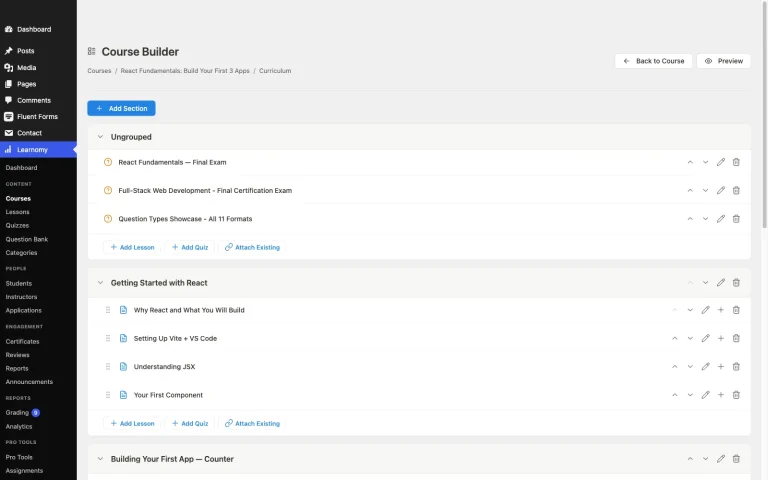
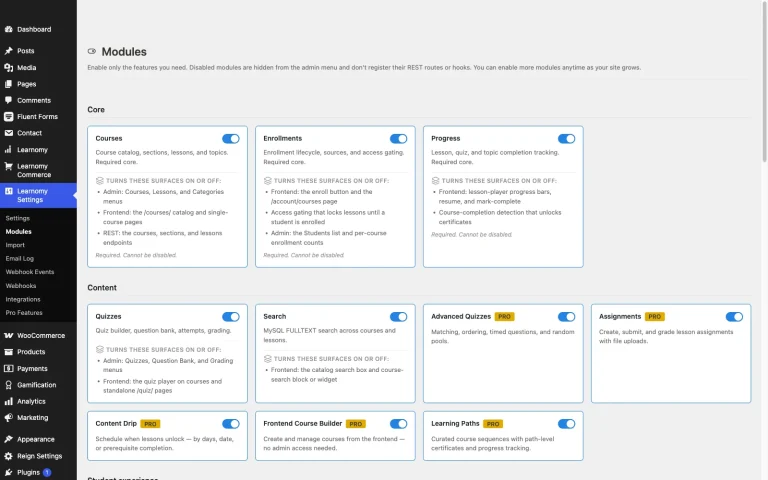
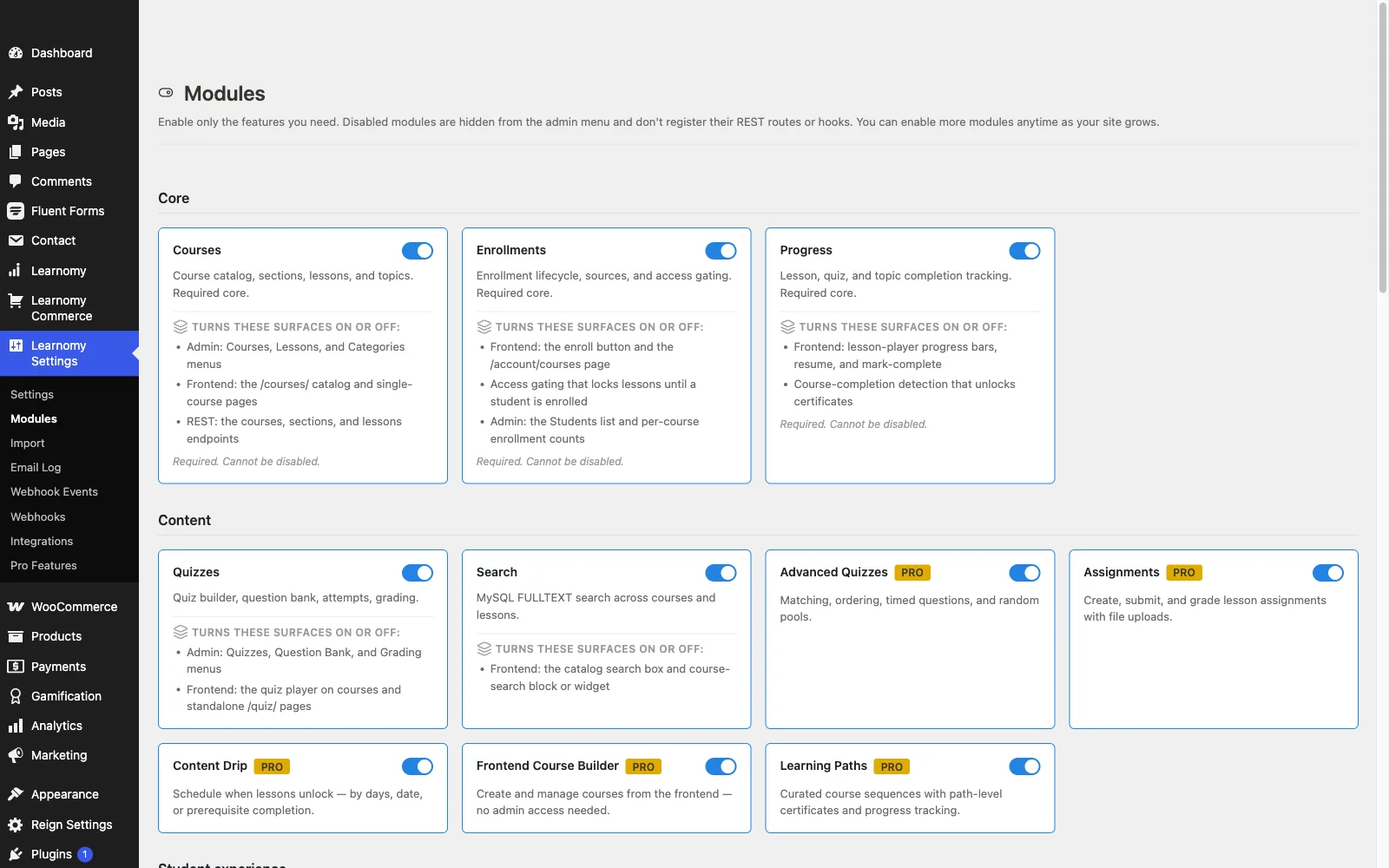
Learnomy is a complete learning platform for WordPress built with membership as a native part of the system rather than a course plugin with a subscription bolted on. Memberships come with trials and an automatic pricing page, so a membership business can launch tiered access without custom development for the pricing and signup flow itself.
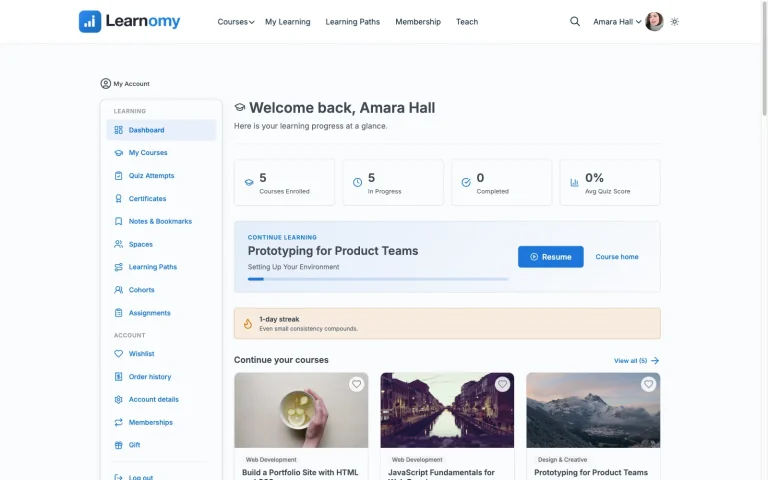
What matters most for a membership site specifically is what sits around the courses. A learning community grows around the school with course discussion boards and Q&A, giving subscribers a reason to check back in beyond just consuming the next lesson. Gamified learning adds points, badges, and streaks that reward ongoing engagement, the exact mechanic that keeps a subscription feeling active rather than something a member forgets they’re paying for. A job board helps graduates turn coursework into a tangible outcome, useful specifically for a membership business built around career or skills development where “what did this membership actually do for me” is a real retention question members ask themselves.
Learning paths sequence multiple courses with prerequisites and a path certificate at the end, useful for a membership library that keeps growing, since new members can be guided through a structured on-ramp instead of facing an unsorted catalog the day they join. Certificates are digitally signed with a public verify page and LinkedIn sharing, adding a tangible outcome to a subscription that might otherwise feel intangible month to month.
On the business side, checkout runs through Stripe and PayPal directly, with a WooCommerce adapter for a membership business that already runs a store for other products and wants a unified checkout. Instructor revenue sharing supports a membership business that brings on multiple contributors or instructors over time, with applications and dashboards handling the growth path. Full-text course search and Course structured data help a large, growing content library stay discoverable both for members browsing internally and for search engines indexing public course pages, and PWA offline progress lets members keep working through material without a live connection, a genuine retention detail for a mobile-heavy membership audience.
There are no platform fees on what a member pays, and a migration wizard imports directly from LearnDash, Tutor LMS, and LifterLMS for a membership business currently running its course content on one of those.
Best for: a membership business where courses are a real, ongoing content pillar, not the whole product, and where community and gamified engagement matter as much as the courses themselves for keeping subscribers active.
2. MemberPress Courses: the membership engine courses were added to
MemberPress is built membership-first: its rules engine can gate any page, post, or custom content type behind a subscription level, with Courses as an add-on module that plugs course content into that same access system. For a membership business whose library includes far more than courses, downloads, other post types, a resource archive, this native flexibility is a real advantage over an LMS plugin that treats non-course content as an afterthought. Community requires the separate MemberPress community add-on, and the course-building experience itself is noticeably thinner than a dedicated LMS plugin’s, worth testing directly if course content is a significant part of the library rather than a minor addition.
3. LifterLMS: membership as a first-class citizen in the free core
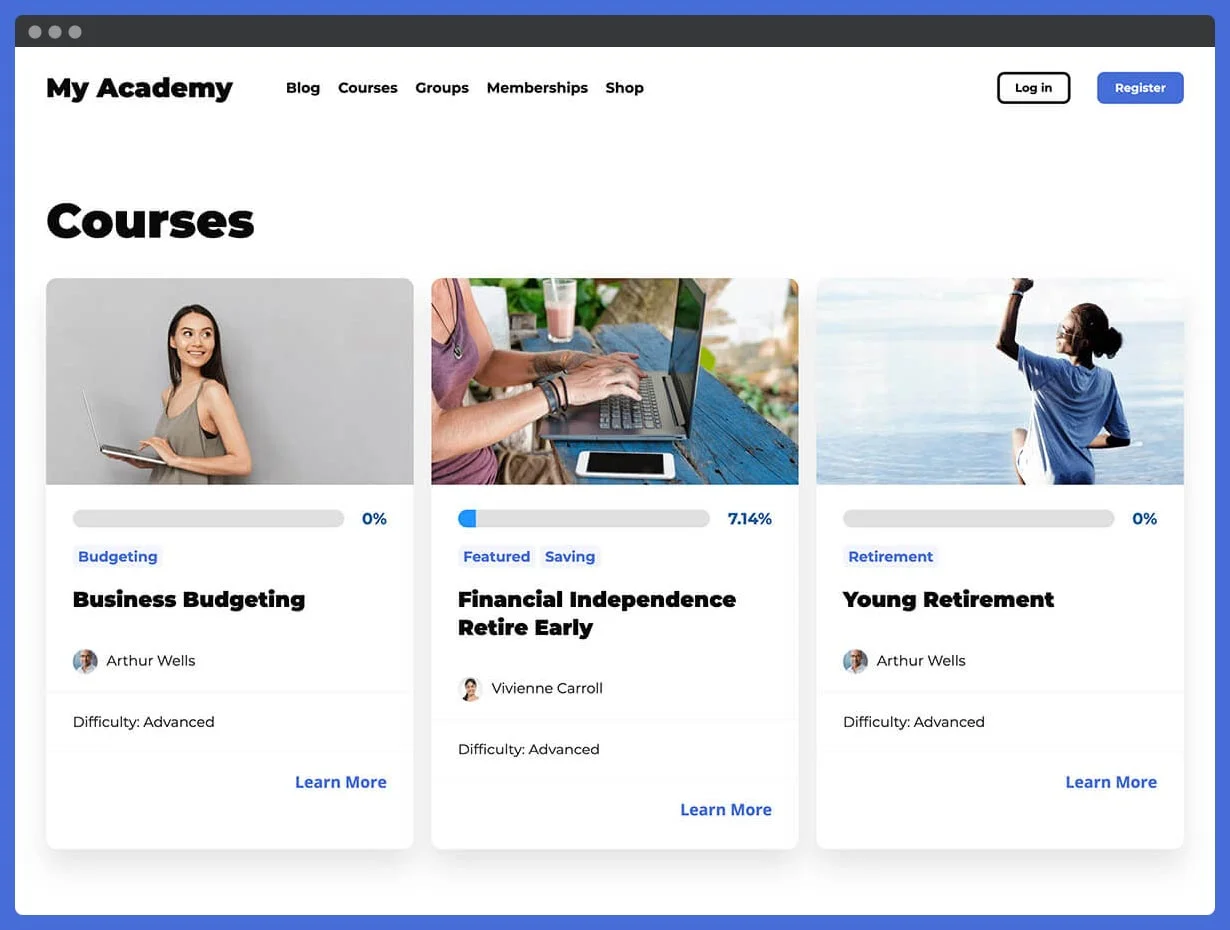
LifterLMS builds membership levels into its free core rather than gating the concept behind a paid tier, unusual among course-first LMS plugins. Any page, post, or course can be protected by a membership level, giving a genuine content-library model without a separate plugin. Its engagement engine, achievements, certificates, and emails triggered by student actions, adds a layer of automated retention nudges that suit a membership business well. What’s missing is a real discussion or community space; the achievement feed is closer to social proof than actual conversation.
4. LearnDash: mature course engine, membership via a bundled companion plugin
LearnDash’s course engine is the most mature option in this comparison, and it now bundles MemberDash, its own membership plugin, into every plan, covering tiers, recurring billing, and content-access rules through Stripe, PayPal, or WooCommerce. That’s a real change from routing membership through WooCommerce Memberships or a third-party plugin, but it’s still two separate codebases to configure rather than one system, and gating content types beyond courses still means working across both. Community similarly needs bbPress or BuddyPress layered on. For a team with development resources willing to run that two-plugin stack, LearnDash’s course depth is a real advantage; for a leaner team, it’s meaningfully more setup than a platform with membership and community built into one codebase.
5. Tutor LMS: course-first, membership bolted on
Tutor LMS’s membership functionality lives in its paid tier and is scoped mainly to course access rather than a full content-library model. For a membership business whose offer is close to “a library of courses,” that’s a reasonable fit; for one that mixes courses with other content types and a community, the gaps show up quickly and need to be filled with additional plugins.
6. Restrict Content Pro + a course plugin: the modular route
Some membership businesses deliberately choose a dedicated membership plugin like Restrict Content Pro and pair it with a separate course plugin, rather than relying on either tool’s native membership or course features. This modular approach gives real flexibility, each tool does the one job it’s built for, at the cost of two separate licenses to renew, two admin experiences to learn, and integration work to keep the membership rules and course access logic in sync as both plugins update independently over time.
7. Thinkific: hosted memberships, thinner content-library model
Thinkific offers a membership-style pricing plan on top of its core course-hosting platform, removing hosting and maintenance from the equation entirely. Its content model, though, is still fundamentally course-centric rather than a general library that mixes content types freely, and community is a separate add-on product. The tradeoff is the familiar hosted one: a monthly subscription forever, plus the platform dependency that comes with not owning the underlying site.
8. MasterStudy LMS: subscriptions on the paid tier
MasterStudy LMS’s subscription and membership functionality sits behind its paid tier, alongside native checkout and content drip. Its Gutenberg-native builder is a comfortable fit for a site already working in the block editor, but the content model stays course-centric, and there’s no dedicated community feature at any tier, a real gap for a membership business relying on community as part of its retention strategy.
Why the content mix matters more than the LMS feature list
Before comparing individual LMS features, map out what your membership library actually contains, or will contain within a year: is it entirely courses, or a mix of courses, downloadable resources, a discussion forum, and possibly other content types like templates or a resource directory? A platform built around gating a single course behind a single payment is a poor structural fit for a library that mixes content types freely, regardless of how good its course builder is, because the membership logic and the course logic were never designed to work as one coherent system.
This is the single most common source of a painful mid-year platform migration for membership businesses: choosing based on course-builder quality alone, then discovering eight months in that gating a downloadable template or a non-course page behind the same membership tier requires either a second plugin or custom development that wasn’t budgeted for at launch.
What actually reduces membership churn
Course completion alone doesn’t predict retention the way engagement does. A subscriber who finishes a course and then goes quiet for two months is a churn risk regardless of how good that one course was. The mechanisms that actually correlate with lower churn in a membership business are the ones that give a subscriber a reason to log in between course completions: an active discussion space, visible progress and streaks, new content added on a predictable schedule, and a sense of being part of something ongoing rather than having consumed a static product.
This is why the community and gamification features matter as much as, arguably more than, the course builder itself when evaluating a platform for a membership business specifically. A platform with a mediocre course builder but a genuinely active discussion space and visible engagement mechanics will often outperform a platform with a superior course builder and no reason for a member to return once they’ve finished what they signed up for.
Common mistakes membership site owners make
Choosing a course-first LMS and discovering the content-mixing gap later. Confirm upfront whether the platform can gate non-course content, downloads, other post types, a resource archive, behind the same membership tier as courses, without a second plugin.
Underinvesting in community because it feels like a “nice to have.” For a membership business specifically, community is often the actual retention mechanism, not a bonus feature. Treat it as core infrastructure when evaluating a platform, not an afterthought to add once the site’s already live.
Not planning trial and cancellation flows before launch. A membership business lives and dies on its trial-to-paid conversion and its cancellation/win-back flow. Confirm the platform’s native trial support and how gracefully it handles a lapsed payment before building pricing around assumptions the platform can’t actually support.
Ignoring how new content gets surfaced to existing members. A growing library needs a way for returning members to find what’s new since their last visit, full-text search and a clear “recently added” signal matter more as a library scales past the first few dozen items.
FAQ
What’s the real difference between an LMS with membership features and a membership platform with courses added? An LMS with membership features is built course-first, with subscription logic layered on top, well-suited to a library that’s mostly courses. A membership-first platform (or a complete platform like Learnomy where both are native) is built to gate any content type under one subscription system, better suited when courses are one part of a broader content mix.
Can I run a membership site with courses without WooCommerce? Yes, Learnomy processes membership payments directly through Stripe and PayPal without requiring WooCommerce, with a WooCommerce adapter available for sites that already run one. Several other platforms compared here depend on WooCommerce or a separate membership plugin for real membership logic.
Does community functionality actually reduce churn, or is that just a nice-to-have? For most membership businesses, an active community is a meaningful retention driver, subscribers who feel part of an ongoing conversation are less likely to cancel than subscribers consuming content in isolation. Weight it accordingly rather than treating it as optional polish.
Is Learnomy free for a membership site to try? Learnomy isn’t scored on a free-versus-paid split, it’s a complete learning platform with no platform fees on what members pay, so the more useful question is whether its native membership, community, and content-mix support fits your specific library structure, covered above.
Can I migrate an existing membership site’s courses to Learnomy? Yes, Learnomy’s migration wizard imports course content directly from LearnDash, Tutor LMS, and LifterLMS.
Verdict
For a membership business where courses are part of a broader content library, not the entire product, Learnomy’s native memberships, discussion boards, gamified engagement, and job board give subscribers ongoing reasons to stay active well beyond finishing a single course. MemberPress Courses and LifterLMS are both genuinely strong picks when the priority is flexible, membership-first content gating across mixed content types. The remaining platforms cover narrower, course-centric use cases, worth checking specifically against how much of your library will actually be courses versus other content before committing.
Building a membership site with courses as one part of the offer?
Learnomy pairs native memberships with trials, discussion boards, gamified engagement, a job board, and instructor revenue sharing, all in one platform with no platform fees on what members pay.
Get Learnomy