
Running an eCommerce store with WooCommerce? Then you already know one important truth: the internet does not speak a single language anymore. In 2026, shoppers browse from every corner of the world, and if your store still offers content only in English or your local language, you are unintentionally limiting your global reach and missing out on valuable conversions.
That is exactly where WooCommerce multilingual plugins step in. These tools go far beyond basic text translation. They help you localize your entire online store, including product pages, checkout fields, categories, emails, and even SEO metadata. This means your global audience gets a shopping experience in the language they are most comfortable with, boosting trust, engagement, and ultimately, sales.
A multilingual setup also gives your site a strong advantage in international SEO, helping you rank higher on Google, Bing, and region specific search engines across multiple countries. Whether you are attracting tourists, expanding into fast growing international markets, or building a global digital brand, the right translation plugin can turn your WooCommerce store into a high performing multilingual powerhouse.

What Are Multilingual Plugins for WooCommerce
Multilingual plugins for WooCommerce are tools that allow your online store to display content in multiple languages. They translate and localize everything from product descriptions, categories, checkout pages, and emails to menus, buttons, and SEO metadata.
A good multilingual plugin does more than convert text. It helps you create a version of your store that feels natural to users in their native language. This includes properly structured URLs, currency support, region based settings, and localized user experiences.
Why Multilingual Plugins Are Important for WooCommerce
Online shoppers expect personalized experiences, and that begins with language. Here are the main reasons multilingual functionality matters more than ever:
1. Global Reach Means More Sales
As cross border eCommerce grows, offering multiple languages helps you attract international customers who prefer buying in their local language.
2. Higher Trust and Lower Cart Abandonment
Shoppers buy more confidently when product descriptions, sizing details, and checkout instructions are clear and familiar.
3. Better SEO Across Different Countries
Search engines rank localized content higher in their respective regions. A multilingual store helps you gain visibility in multiple markets at once.
4. Competitive Advantage
Many WooCommerce stores still operate in a single language. Adding multilingual functionality gives you an instant advantage.
5. Enhanced User Experience
From browsing to checkout and customer support, a multilingual setup creates a smoother and more inclusive shopping journey.
Also Read: The Best Multilingual Plugins for WooCommerce in 2026
How to Use Multilingual Plugins Effectively
Using a multilingual plugin is not just about installing a tool. It is about implementing it correctly to ensure a smooth and localized shopping experience. Follow these practical steps:
Choose the Right Plugin
Select a solution based on your store size, translation needs, and budget.
- Large stores: MultilingualPress or WPML
- Beginners: TranslatePress or GTranslate
- Fast setup: Weglot
- Budget friendly: Polylang or GTranslate
Set Up Your Language Structure
Decide how your languages will appear:
- Subdirectories (example.com/fr/)
- Subdomains (fr.example.com)
- Multi site (one site per language)
Translate Core Store Elements
Prioritize the most essential areas first:
- Product descriptions and categories
- Cart, checkout, and account pages
- Shipping and return policies
- Transactional emails
Optimize for Multilingual SEO
Ensure your plugin supports:
- Hreflang tags
- SEO friendly URLs
- Translated metadata
- Sitemap updates
Test the User Experience
After translation, check the following in each language:
- Navigation flow
- Currency display accuracy
- Checkout clarity
- Mobile responsiveness
Maintain Consistency
Create a glossary of brand terms, size charts, and product specific vocabulary to keep translations uniform across all pages.
Integrate with Customer Support and Marketing
Translate chat widgets, automate multilingual support responses, and run localized marketing campaigns to increase engagement.
Best Multilingual Plugins for WooCommerce
Choosing the right multilingual plugin is one of the most important decisions you will make when scaling your WooCommerce store globally. With shoppers now expecting localized product pages, translated checkout flows, and currency support tailored to their region, the demand for accurate and SEO optimized translations continues to grow in 2026.
1. MultilingualPress
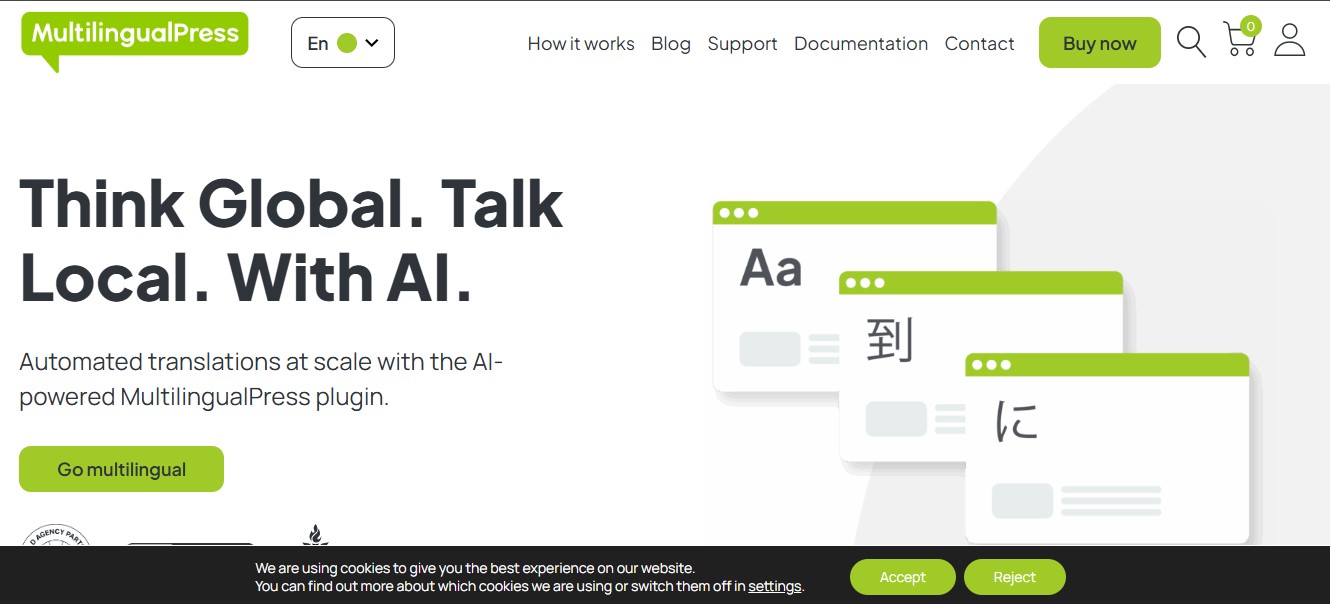
MultilingualPress remains a top choice for businesses that prioritize performance, technical flexibility, and SEO accuracy. Instead of storing all translations under a single WordPress install, it creates a separate site for each language in a multisite network. This structure is efficient and prevents many performance issues found in traditional translation plugins.
Why It Works Great
With Google placing more emphasis on localized content and site performance, MultilingualPress offers the architecture needed for strong multilingual SEO foundations.
Best For: Large WooCommerce stores, enterprise setups, and performance focused brands.
Pros
- High site speed from separate installs
- Better multilingual SEO with clean, independent language URLs
- Scalable structure for many languages
- Full WooCommerce compatibility and syncing
Cons
- Requires WordPress multisite knowledge
- More technical than plug and play tools
Key Features
- Language site duplication
- Content relationships between sites
- WooCommerce product and category syncing
- No performance loss across languages
Pricing: Starting at 99 dollars per year
Recommendation: Choose MultilingualPress if your priorities are speed, scalability, and precise multilingual SEO control.
2. WPML with WooCommerce Multilingual and Multicurrency
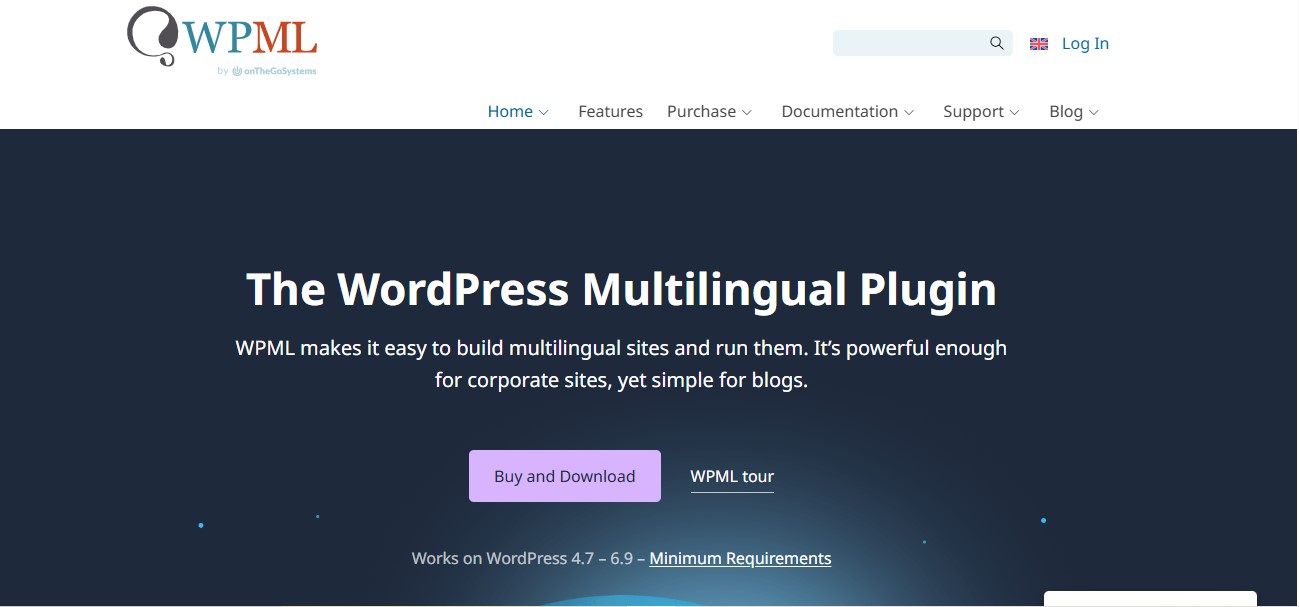
WPML continues to dominate in 2026 as a powerful translation system built for large scale WooCommerce stores. With the WooCommerce Multilingual and Multicurrency add on, it handles product translations, checkout localization, cart syncing, and multiple currencies.
Why It Works Great
WPML is more stable and feature rich than before, with better automatic translation accuracy and enhanced theme and plugin compatibility.
Pros
- Translates all WooCommerce elements
- Built in multi currency support with geolocation pricing
- Works smoothly with major page builders and SEO plugins
- Enterprise level translation management tools
Cons
- Requires multiple WPML components
- Learning curve for beginners
Key Features
- Full product translation including variations
- Email and checkout field translation
- Currency switching and automatic price conversions
- Centralized translation dashboard
Pricing: WPML Multilingual CMS starts at 99 dollars per year
Recommendation: Ideal for agencies, experienced store managers, and large international stores with many products.
3. Webis Multilingual for WooCommerce
Webis is quickly emerging as one of the most preferred choices in 2026. It stands out because it’s incredibly lightweight, highly user-friendly, and purpose-built for eCommerce stores rather than general content websites. This specialized approach makes it faster, more efficient, and far more reliable for managing multilingual product pages, checkout flows, and complex WooCommerce elements.
Why It Works Great
It combines AI translation power with product focused workflows and an easy user interface.
Pros
- Designed for online stores
- AI translation with manual adjustment options
- Clean dashboard with live preview
- Good for midsize stores
Cons
- Limited third party plugin compatibility
- Advanced SEO tools require upgrade
Key Features
- Live product translation editor
- AI powered translations
- Media translation support
- Simple language switcher
Pricing: Free version available. Premium starts at 79 dollars per year
Recommendation: A strong choice for growing WooCommerce stores that want modern, fast translation without complexity.
4. TranslatePress
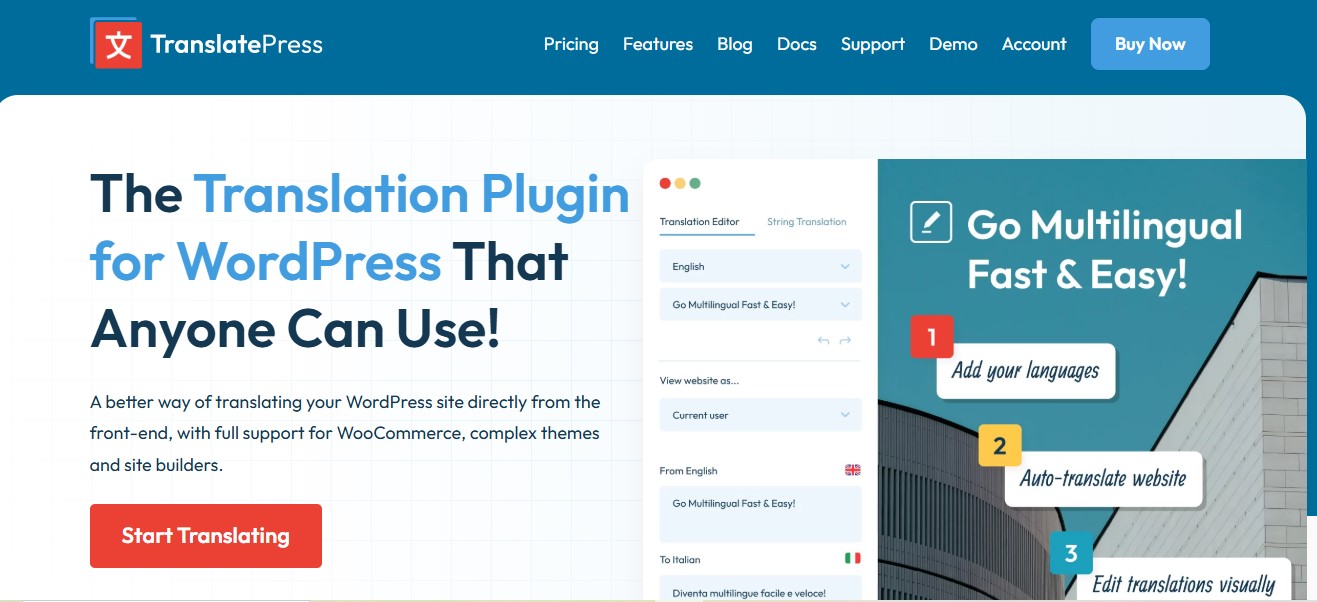
TranslatePress is an excellent option for store owners who prefer visual, hands-on editing. It lets you translate your WooCommerce pages directly from the front end, showing real-time updates as you work. This makes the translation process intuitive, faster, and ideal for those who want full control over how their multilingual store looks and feels.
Why It Works Great
The front end translator and DeepL integration have improved significantly, creating a smooth experience for beginners.
Pros
- Front end visual interface
- SEO ready translated URLs and metadata
- Supports manual and automatic translations
- Ideal for small to medium stores
Cons
- Manual translation becomes slow at large scale
- Free version limited to one extra language
Key Features
- Live front end translation editor
- DeepL and Google Translate integration
- Automatic user language detection
- Complete WooCommerce compatibility
Pricing: Paid plans start at 89 euros per year
Recommendation: Perfect for beginners, designers, and small business owners who want a simple workflow.
5. Weglot
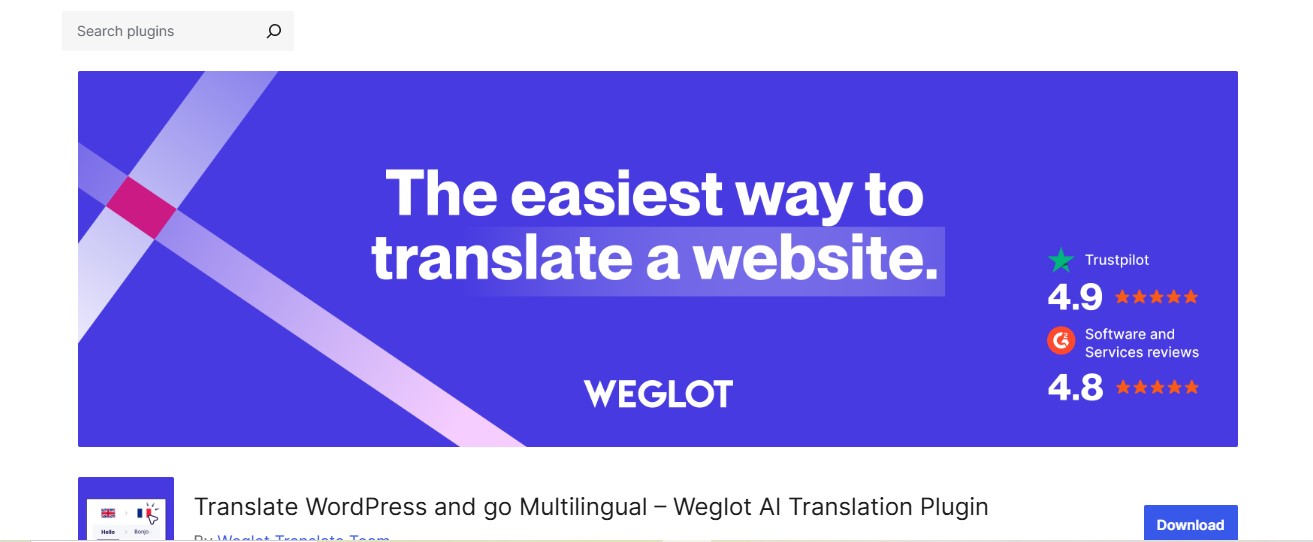
Weglot remains one of the fastest multilingual solutions available. Because it’s fully cloud-based, the setup process is incredibly quick often taking just a few minutes. With automatic language detection, fast translations, and seamless WooCommerce integration, it allows store owners to go multilingual without any technical complexity.
Why It Works Great
It offers instant automatic translation, strong multilingual SEO, and excellent language switching tools.
Pros
- Setup in minutes
- Supports over 100 languages
- Manual and machine translation system
- Built in multilingual SEO
Cons
- Pricing increases with word count
- Content stored on Weglot servers
Key Features
- Instant translation of entire site
- Automatic language detection
- Glossary and translation rules
- High quality language switcher
Pricing: Free under 2000 words. Paid plans start at 15 euros per month
Recommendation: Great for fast growing businesses needing instant multilingual support.
6. GTranslate
GTranslate is the most budget-friendly multilingual solution, making it perfect for beginners and small WooCommerce stores. It leverages Google Translate to automatically convert your entire site into over 100 languages, allowing you to reach a global audience quickly and easily without technical setup or high costs.
Why It Works Great
The Pro plan now features improved SEO handling and more natural translations.
Pros
- Very easy to set up
- Supports over 100 languages
- Provides RTL support
Cons
- Free version lacks multilingual SEO
- Machine translation quality varies
- Manual edits needed for brand consistency
Key Features
- Automatic translation using Google
- Language switcher widgets
- URL translation in Pro version
- WooCommerce compatibility
Pricing: Free tier available. Pro plans start at 9.99 dollars per month
Recommendation: Best for small stores wanting to test multilingual functionality without high costs.
Also Read: 10 Best WooCommerce Tickets Plugins for 2026
7. Polylang for WooCommerce
Polylang remains one of the most popular multilingual plugins for WordPress, and its WooCommerce add on brings full compatibility for online stores. It is great for users who want flexibility, manual control, and a cost effective way to translate products.
Why It Works Great
Polylang has improved its automatic translation engine and WooCommerce syncing, making it a strong choice for growing stores that want accurate manual translations without expensive SaaS pricing.
Pros
- Easy translation for products, categories, and attributes
- SEO friendly URLs, titles, and metadata
- Lightweight and fast
- Free and premium versions available
Cons
- More manual work than AI based tools
- WooCommerce multilingual add on is paid
- Not ideal for very large stores
Key Features
- Manual product translation editor
- Language switcher widget
- String translation support
- Compatible with most WooCommerce themes
Pricing: Free version available. WooCommerce add on starts at 99 euros per year
Recommendation: Ideal for stores that prefer manual translation control and want to avoid SaaS subscription costs.
8. Loco Translate
Loco Translate is a popular tool among developers and WooCommerce store owners for translating theme and plugin strings. While it isn’t a full multilingual system, it’s incredibly useful for fine-tuning translations, fixing missing text, and customizing specific elements. This makes it an ideal companion for ensuring that every part of your store buttons, labels, and messages appears correctly in your target languages.
Why It Works Great
Loco Translate added cloud backup, improved string detection, and stronger compatibility with modern WooCommerce themes, making it valuable for precise translation adjustments.
Pros
- Translate theme and plugin text directly in dashboard
- No external service required
- Developer friendly
- Great for fixing specific untranslated strings
Cons
- Not suitable for full multilingual catalogs
- No SEO tools for international languages
- Manual translation only
Key Features
- Built in PO and MO file editor
- Automatic sync with source files
- String translation search
- Cloud backup in Pro version
Pricing: Free version available. Pro plans start at 5.95 dollars per month
Recommendation: Best used as a supporting plugin for fine tuning translations, not as a primary multilingual solution.
9. ConveyThis
ConveyThis is a cloud-based translation solution, similar to Weglot but more budget-friendly. It provides automatic machine translations while allowing manual edits for accuracy and nuance, making it an excellent choice for small to midsize WooCommerce stores. Its easy setup, SEO-friendly features, and support for multiple languages help store owners expand globally without the complexity of traditional multilingual systems.
Why It Works Great
ConveyThis improved its UI, translation editor, and SEO features, giving store owners a smoother multilingual workflow.
Pros
- Supports over 100 languages
- Multilingual SEO features including translated URLs and sitemaps
- Easy setup with no coding
- More affordable than many SaaS competitors
Cons
- Translations stored externally
- Advanced features require higher plans
- Limited customization in free plan
Key Features
- Automatic translation with editing mode
- Hreflang and SEO indexing tools
- Language switcher customization
- Glossary and translation memory
Pricing: Free version available. Paid plans start at 15 dollars per month
Recommendation: Choose ConveyThis if you want a Weglot style solution with lower pricing and strong multilingual SEO capabilities.
Also Read: 10 Best WooCommerce Visual Product Configurator Plugins for 2026
10. Babble
Babble is an open-source translation plugin developed by the WordPress VIP team. It’s lightweight, fast, and built with performance and efficiency in mind, making it ideal for developers and technically skilled WooCommerce store owners who want a high-performance multilingual solution without relying on external translation services.
Why It Works Great
Babble remains attractive for developers because it provides speed, simplicity, and full control without relying on external translation engines.
Pros
- Very fast and lightweight
- No external services or SaaS fees
- Simple interface
- Great for custom WooCommerce builds
Cons
- Requires full manual translation
- Limited automation
- Not ideal for beginners
Key Features
- Manual translation workflow
- Native WordPress editor integration
- High performance with minimal overhead
- Open source development flexibility
Pricing: Free and open source
Recommendation: Best for developers and agencies building custom multilingual WooCommerce stores with performance as a top priority.

Choosing the Right Multilingual Plugin for Your WooCommerce
Choosing the best multilingual plugin for your WooCommerce store comes down to understanding your goals, budget, and how deeply you plan to expand internationally. Every plugin on this list offers something unique, but the best option depends on what matters most for your business.
If you are running a store that needs full WooCommerce integration, multi currency support, or detailed control over product translations, then a specialized multilingual plugin such as WPML, MultilingualPress, or Webis will give you the flexibility and precision needed for a smooth global shopping experience.
For stores with more advanced workflows, such as multiple product variations, region specific pricing, or team managed translation projects, professional grade plugins ensure you have the tools, structure, and automation required to scale confidently.
Frequently Asked Questions:
1. Can I use multiple translation plugins on the same WooCommerce site?
While it is technically possible, using multiple multilingual plugins at the same time can cause conflicts, duplicate content, and performance issues. It is best to choose one plugin that meets all your needs and fully configure it for your store.
2. How do multilingual plugins affect page speed?
Some plugins, especially cloud based solutions like Weglot or ConveyThis, may add minimal loading time due to external API calls. However, plugins like MultilingualPress or Webis, which integrate directly with your site, are optimized for speed. Always test your site performance after adding a plugin.
3. Are AI powered translations reliable for product descriptions?
AI translations have improved significantly in 2026 and work well for general content. However, for technical product descriptions, brand specific terms, or marketing copy, manual review or editing is recommended to maintain accuracy and a professional tone.
4. Do multilingual plugins support SEO for all languages?
Yes. Most modern plugins generate SEO friendly URLs, hreflang tags, and translated meta descriptions. However, some free or basic versions, like GTranslate’s free tier, may not fully optimize for SEO, so check your plugin features before committing.
5. Can multilingual plugins handle currencies and regional pricing?
Many advanced plugins, such as WPML with WooCommerce Multilingual and Multicurrency, support multiple currencies and region based pricing. Cloud based tools may also integrate with currency switchers. This is essential for stores selling internationally to provide a seamless and accurate checkout experience.
Interesting Reads:
Top PDF Invoice Plugins for WordPress & WooCommerce
Enhance Your Store with a Custom WooCommerce Extension or Add-On

