If you want to boost conversions, improve user experience, and make your WooCommerce store more visually engaging, WooCommerce Badge Management Plugins are an essential tool. These plugins allow you to easily add attention-grabbing badges to your product pages, highlighting key information such as discounts, limited-time offers, bestsellers, and new arrivals. By strategically placing badges, you can guide customers’ attention toward high-priority products, making it easier for them to make purchasing decisions.

Beyond just attracting attention, badges help create urgency, build trust, and reinforce your marketing campaigns. For example, a “Limited Stock” badge can encourage faster purchases, while a “Bestseller” label reassures customers about product quality and popularity. Additionally, badges can enhance the overall visual appeal of your store, making your product pages look more professional, organized, and easy to navigate.
Start Your WordPress Project With Us Today!
What Are WooCommerce Badge Management Plugins?
WooCommerce Badge Management Plugins are specialized tools that let store owners create, assign, and manage badges for products effortlessly. Badges are small visual cues that highlight key product information such as:
- Discounts or special offers
- New arrivals or featured products
- Top rated or best selling items
- Limited stock or seasonal promotions
With these plugins, you can automate badge assignment, customize their appearance, and manage them in bulk, saving time and maintaining a professional look across your store. Essentially, they act as a visual marketing tool that nudges customers toward faster buying decisions.
Why Your Store Needs WooCommerce Badge Management Plugins
Badges are more than decorative elements they are powerful conversion boosters. Here’s why they are essential for your WooCommerce store:
Grab Attention Instantly
Badges are visually striking and help your products stand out in crowded category pages or search results. Whether it’s “Sale”, “New”, or “Bestseller”, badges draw the customer’s eye where it matters most.
Highlight Key Products
Use badges to emphasize your most important products, like high margin items, seasonal promotions, or trending products. This helps customers make decisions faster and improves the chances of a purchase.
Increase Sales and Conversions
Clearly displayed product badges can encourage urgency and trust. For instance, a “Limited Stock” badge may prompt a quicker purchase, while “Best Seller” badges reassure customers about product quality.
Enhance Branding and User Experience
Customizable badges allow your store to maintain a consistent look while conveying important information visually, improving both aesthetics and navigation.
Key Features to Look for in WooCommerce Badge Management Plugins
- Customizable Badge Design: Ability to change shapes, colors, text, font, size, and placement to match your store’s branding.
- Automated Badge Assignment: Automatically assign badges based on product categories, stock levels, price, new arrivals, or sales status.
- Bulk Badge Management: Apply or remove badges across multiple products in just a few clicks, saving time and effort.
- Mobile Friendly and Responsive: Badges should display correctly on all devices, especially smartphones and tablets.
- WooCommerce Compatibility: Ensure smooth integration with WooCommerce core features and other popular plugins.
- Advanced Targeting Options (Optional): Some plugins allow you to show badges based on user behavior, geolocation, or specific sales campaigns for higher conversion.
Benefits of Using Badge Management Plugins
- Boost Visual Appeal: Make your store more engaging and professional.
- Improve Conversion Rates: Highlight important products to drive faster purchasing decisions.
- Save Time: Automation and bulk management reduce manual work.
- Guide Customer Focus: Lead shoppers toward promotions, new products, or high margin items.
Top 10 WooCommerce Badge Management Plugins
1. YITH WooCommerce Badge Management Plugin
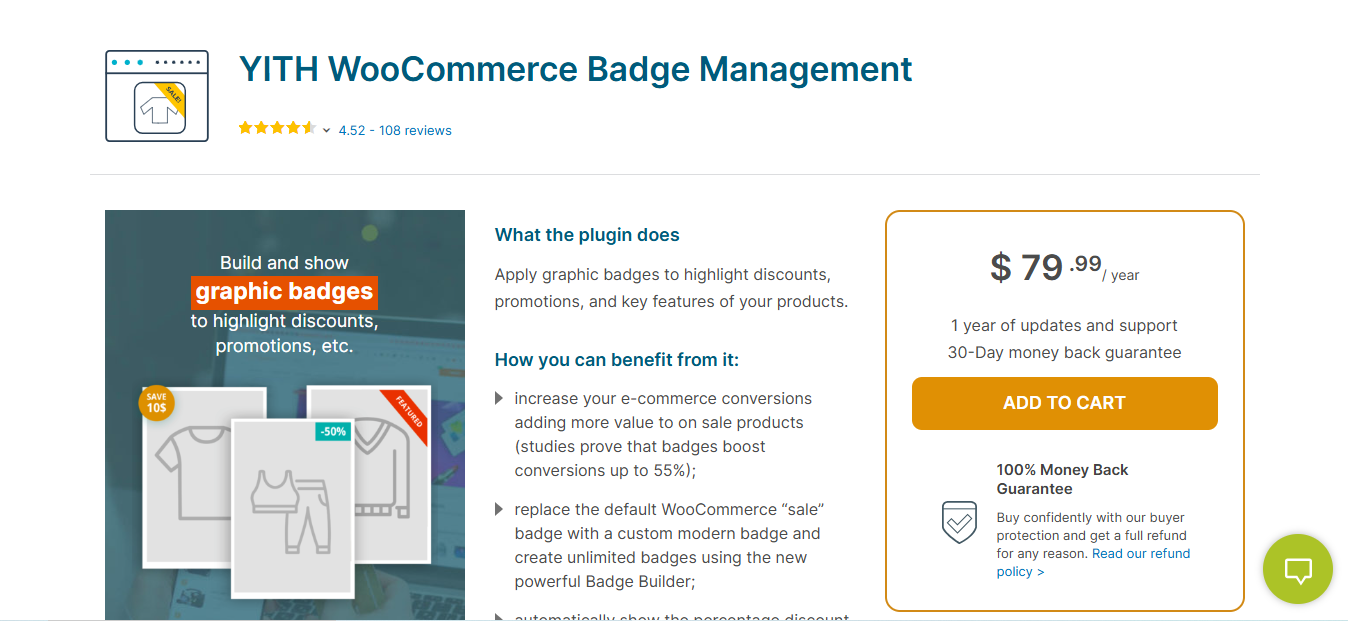
YITH WooCommerce Badge Management is one of the most popular and powerful WooCommerce Badge Management Plugins. Known for its ease of use and versatility, it enables you to create unlimited badges and apply them to your products automatically or manually.
Key Features
- Unlimited badge creation with custom text and images
- Set badge conditions based on product attributes like price, category, stock, and more
- Supports various badge shapes, colors, and sizes
- Option to bulk apply badges across products
Pros
- Highly customizable design options
- User-friendly interface
- Full compatibility with WooCommerce
Cons
- Some advanced features require the premium version
- Limited free version features
Why It Stands Out
YITH WooCommerce Badge Management Plugin stands out for its extensive customization options and ease of use. It’s ideal for store owners looking for a powerful plugin that can handle all their badge management needs efficiently.
Also Read: 15 Best Google Analytics Plugins for WordPress You Need in 2026
2. WooCommerce Product Badge Pro
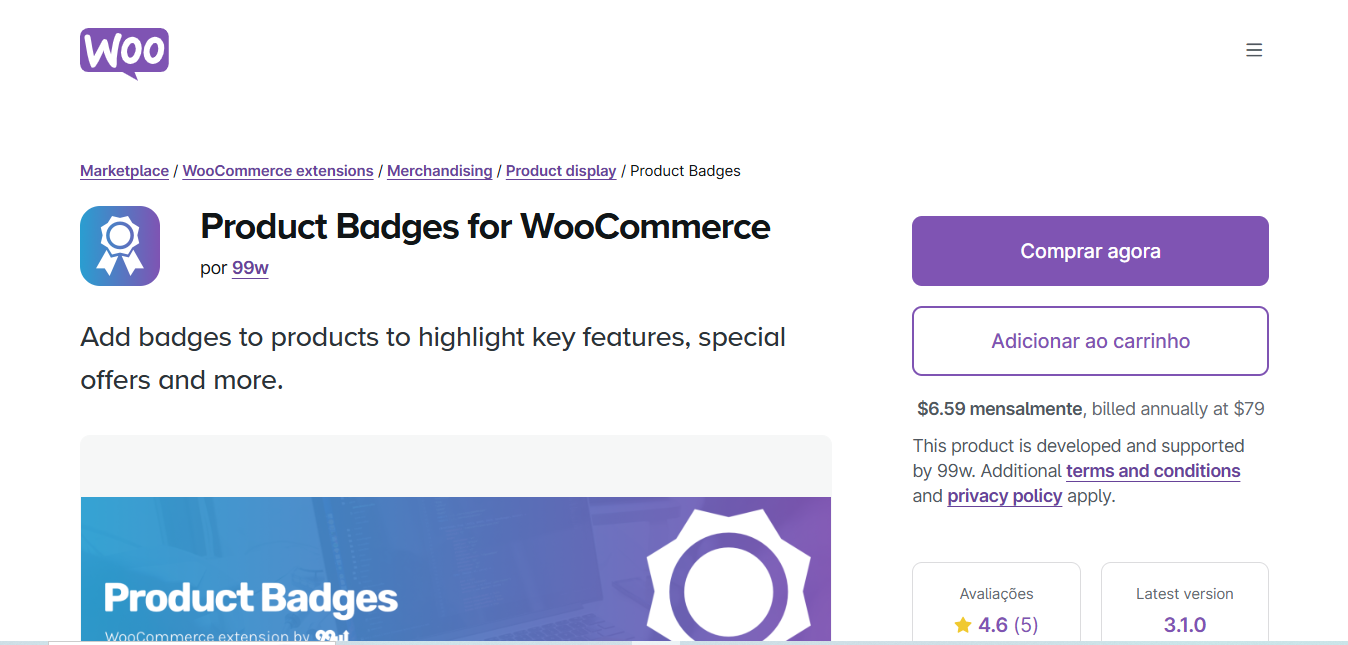
WooCommerce Product Badge Pro is a powerful and feature-rich WooCommerce Badge Management Plugins designed to help store owners manage product badges easily. With various styles and customization options, it’s an ideal choice for creating attention-grabbing badges for your products.
Key Features
- Create unlimited custom badges
- Set badges based on product price, stock, and category
- Customize badge shape, color, and position
- Option to schedule badges for time-sensitive promotions
Pros
- Easy to use with an intuitive interface
- Customizable and flexible options for creating unique badges
- Great for seasonal or time-limited promotions
Cons
- Some features are available only in the premium version
- Limited badge design options in the free version
Why It Stands Out
This plugin stands out because of its powerful features and ease of use. It’s perfect for store owners who need to create dynamic and time-sensitive badges for promotions and offers.
3. WooCommerce Advanced Product Labels
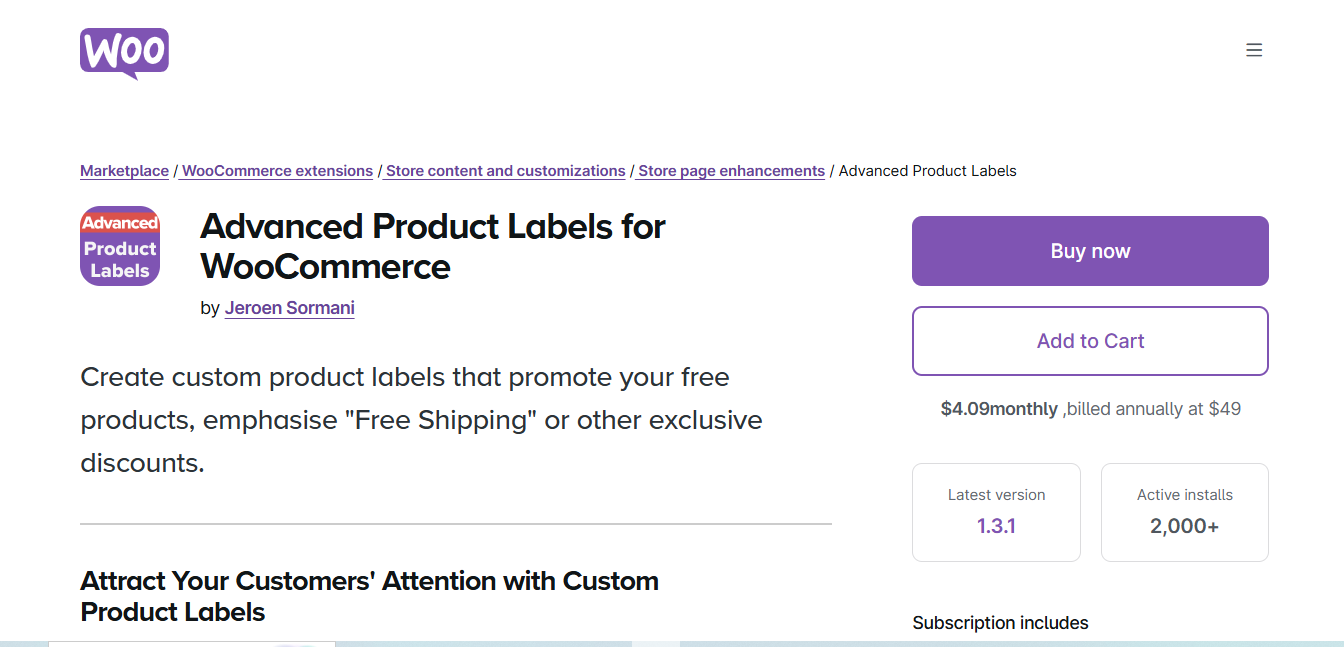
WooCommerce Advanced Product Labels is an intuitive and flexible WooCommerce Badge Management Plugins that offers extensive features for managing product badges in your store. It’s a versatile tool that provides multiple ways to display badges for various product attributes.
Key Features
- Assign badges based on sale percentage, category, stock level, and more
- Fully customizable badge designs
- Option to apply multiple badges to products
- Easy-to-use drag-and-drop badge builder
Pros
- Highly flexible and customizable
- Bulk apply feature for faster badge management
- Great for stores with large inventories
Cons
- Some features are locked behind the premium version
- Advanced users may need some time to explore all the options
Why It Stands Out
WooCommerce Advanced Product Labels is known for its versatility and customization options. If you’re running a large store and want a plugin that can handle complex badge assignments, this plugin is for you.
4.WooCommerce Advanced Product Labels by BeRocket
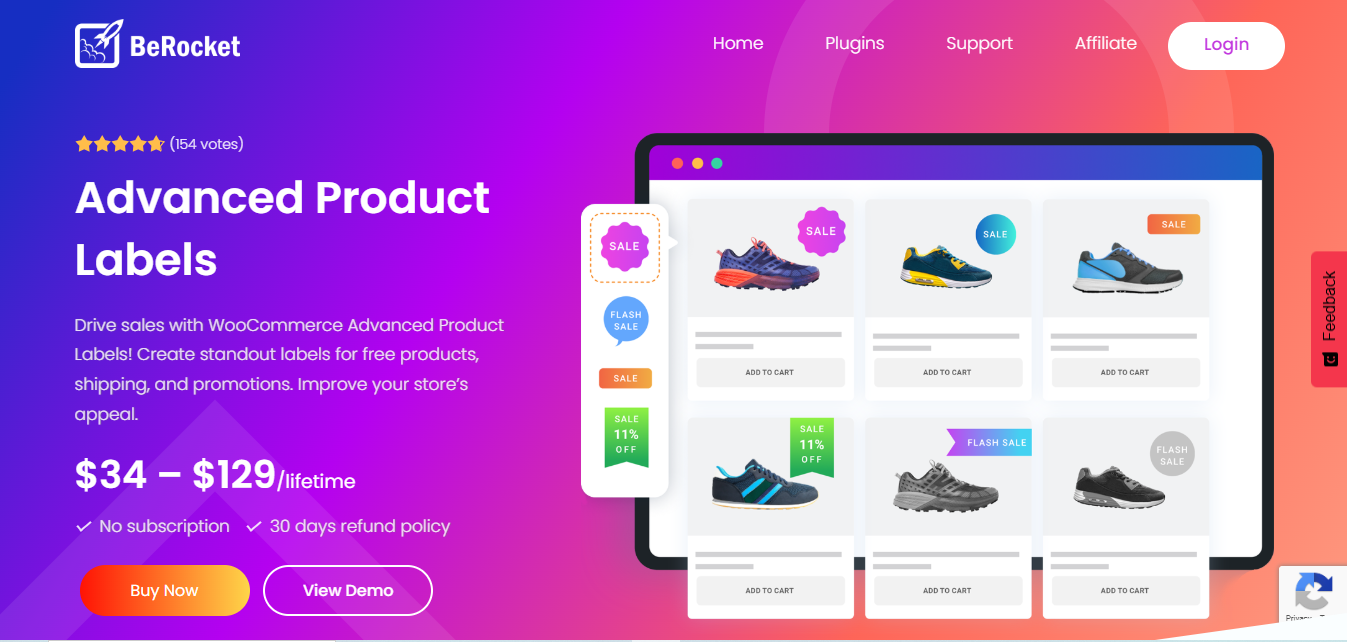
WooCommerce Advanced Product Labels by BeRocket is a comprehensive WooCommerce Badge Management Plugins solution for store owners who want to create highly customizable product labels. It allows you to easily add labels to products based on specific criteria like sale price, product categories, tags, and more. The plugin is designed to enhance product visibility and increase sales by drawing attention to special deals and new arrivals.
Key Features
- Multiple Label Types: Create labels for discounts, new arrivals, seasonal offers, and more.
- Advanced Display Conditions: Customize when and where badges appear based on sale price, product category, stock status, and more.
- Drag and Drop Label Designer: Use the drag-and-drop builder to easily design and customize the appearance of badges.
- Dynamic Labels: Automatically generate badges for products based on set conditions, such as product stock or price reduction.
- Mobile Optimized: Badges are responsive and optimized for mobile devices, ensuring they appear correctly on all screen sizes.
Pros
- Highly flexible with numerous display conditions
- Simple drag-and-drop label customization
- Responsive and mobile-friendly
- Regular updates and support from BeRocket
Cons
- Advanced features are locked behind the premium version
- Might require some learning curve for beginners
Why It Stands Out
This plugin by BeRocket is a robust and user-friendly WooCommerce Badge Management Plugins that offers a wide array of features. It stands out because of its highly customizable label options, perfect for highlighting various promotions or discounts with minimal effort. It’s great for store owners looking to boost product visibility and create a more engaging shopping experience.
Also Read: 15 Best WordPress SEO Plugins to Boost Your Rankings in 2026
5. Woo Badge Designer for WooCommerce
Woo Badge Designer for WooCommerce is a premium plugin designed to help store owners create visually stunning and interactive product badges. With advanced features like animations and countdown timers, it’s perfect for grabbing customer attention and boosting sales.
Key Features
- Create unlimited badges with custom text, images, and animations
- Set advanced conditions like stock status, categories, or product tags
- Add countdown timers to badges for limited-time promotions
- Live preview during badge customization
Pros
- Highly interactive and visually appealing badges
- Comes with pre-designed templates for quick setup
- Supports animated badges to grab customer attention
Cons
- Requires some familiarity with badge design to fully utilize features
- Premium plugin, no free version available
Why It Stands Out
Woo Badge Designer stands out for its interactive features, including animated badges and countdown timers. It’s ideal for store owners who want visually appealing badges that actively engage customers and drive conversions.
6. Badge Management for WooCommerce by PluginHive
PluginHive’s Badge Management plugin is a powerful and streamlined solution for WooCommerce store owners looking to efficiently manage product badges. It combines automation and manual control, allowing you to highlight products strategically without spending hours on repetitive tasks.
With PluginHive, you can automatically assign badges based on product attributes such as category, price, stock level, or sale status, ensuring that the most important products always stand out. For situations that require a personal touch, badges can also be applied manually, giving you complete flexibility.
Key Features
- Automatic badge assignment based on product attributes
- Manual badge customization for select products
- Supports multiple badge shapes and colors
- Mobile friendly and responsive
Pros
- Easy automation reduces manual work
- Customizable for branding consistency
- Fully responsive for mobile shoppers
Cons
- Advanced automation requires paid plan
- Limited pre built templates
Why It Stands Out
Its automation first approach makes it perfect for store owners who want badges without spending hours manually managing them.
7. WP Badge Designer
WP Badge Designer is a user-friendly WooCommerce plugin that empowers store owners to create custom, visually striking badges with complete drag-and-drop simplicity. Whether you’re a beginner or an experienced eCommerce manager, this plugin makes it easy to design badges that catch attention and drive conversions.
With WP Badge Designer, you can assign badges based on product categories, tags, stock status, or sale items, ensuring that the right products are highlighted at the right time. The plugin also supports custom text, images, shapes, and colors, giving you full creative control over the appearance of your badges.
Key Features
- Drag and drop badge builder
- Assign badges by product categories, tags, or sale status
- Supports images, text, and shapes
- Real time badge preview
Pros
- Highly intuitive design interface
- Quick visual feedback during badge creation
- Works well for both small and large stores
Cons
- Free version has limited templates
- Some styling options require CSS knowledge
Why It Stands Out
Its drag and drop simplicity allows even beginners to create attractive badges that boost conversions instantly.
Also Read: 12 Best WordPress Plugins for Schema Markup in 2026 to Rank Higher
8. Smart Product Badge for WooCommerce
Smart Product Badge is a dynamic WooCommerce plugin that allows store owners to create conditional and attention-grabbing badges for promotions, stock alerts, new arrivals, or special product features. It’s ideal for stores that want badges to adapt automatically based on product conditions, reducing manual work while increasing marketing impact.
With Smart Product Badge, you can set rules and conditions so badges appear only when specific criteria are met such as low stock, discounted prices, or particular product categories. This ensures that your badges are always relevant and timely, helping guide customers toward key products.
Key Features
- Conditional badges based on product stock, price, and tags
- Highlight new arrivals, sale items, and bestsellers
- Supports multiple badge types and colors
- Bulk badge management for efficiency
Pros
- Conditional logic ensures badges are relevant
- Easy to manage for large inventories
- Enhances product visibility and marketing campaigns
Cons
- Fewer design templates in the free version
- Advanced conditions require premium plan
Why It Stands Out
Its conditional logic system makes it ideal for smart, automated badge displays that adapt to your store’s inventory changes.
9. WooCommerce Label Manager
WooCommerce Label Manager is a versatile and user-friendly plugin that enables store owners to create custom labels and badges for promotions, discounts, new arrivals, and special offers across their WooCommerce products and categories. It’s designed to help stores stand out visually and guide customers toward high-priority products.
With WooCommerce Label Manager, you can design labels using custom text, colors, shapes, and positions, ensuring they match your store’s branding. The plugin also allows schedule-based labels, making it easy to run time-sensitive campaigns, seasonal promotions, or flash sales without constant manual updates.
Key Features
- Multiple label types: sale, new, featured, custom
- Schedule labels for time based promotions
- Bulk apply labels for multiple products
- Mobile optimized labels
Pros
- Great for seasonal and limited time offers
- Flexible and easy to use
- Responsive and mobile friendly
Cons
- Some premium features require paid version
- Limited design customization in free plan
Why It Stands Out
Its schedule based badge management makes it ideal for stores running regular sales or seasonal campaigns.
Also Read: 15 Best WordPress Plugins for Improving Core Web Vitals in 2026
10. Ultimate WooCommerce Product Badge
Ultimate WooCommerce Product Badge is a modern, high-performance plugin that enables WooCommerce store owners to create fully customizable and animated badges for every product. It’s ideal for those looking to add visually engaging elements that capture attention, drive urgency, and increase conversions.
With this plugin, you can design badges using custom text, images, icons, colors, and animations, giving you complete creative control. It also supports conditional badge assignment based on product categories, stock levels, sale status, or tags, ensuring that badges appear only when relevant.
Key Features
- Animated and static badges with text, images, and icons
- Assign badges based on product category, stock, or tags
- Countdown timers for flash sales
- Live badge preview and mobile optimization
Pros
- Highly interactive and visually appealing
- Perfect for high conversion campaigns
- Supports bulk and conditional badge assignments
Cons
- Premium plugin with no free version
- Requires design attention for maximum effect
Why It Stands Out
Its modern design and animation features make it perfect for creating urgency, highlighting key products, and improving conversions in 2026 and beyond.
Choosing the Right WooCommerce Badge Management Plugin for Your Store
Selecting the right WooCommerce Badge Management Plugin can have a direct impact on your store’s conversions, product visibility, and overall user experience. Badges are more than decorative elements—they guide customers’ attention, highlight promotions, and create a sense of urgency that encourages quicker purchasing decisions.
When choosing a plugin, it’s important to consider your store’s specific needs. If you want extensive customization, YITH WooCommerce Badge Management Plugin is an excellent choice, allowing you to create unlimited badges, choose from various shapes and colors, and assign them automatically or manually. On the other hand, if your focus is on time-sensitive promotions, WooCommerce Product Badge Pro stands out with its scheduling and dynamic display features, helping you run seasonal campaigns or flash sales effortlessly.
Frequently Asked Questions (FAQs)
1. What are WooCommerce Badge Management Plugins used for?
WooCommerce Badge Management Plugins allow store owners to add visual badges or labels to products. These badges can highlight discounts, sales, bestsellers, new arrivals, or limited stock, helping grab customer attention and improve conversions.
2. Can I customize the design of badges?
Yes! Most badge management plugins let you fully customize text, colors, shapes, sizes, and positions to match your store’s branding. Some plugins also offer animations and countdown timers for added engagement.
3. Are these plugins mobile-friendly?
Absolutely. Modern WooCommerce badge plugins are responsive, meaning badges automatically adjust to display correctly on smartphones, tablets, and desktops without affecting the design or user experience.
4. Can badges be applied automatically or in bulk?
Yes, many plugins support automatic badge assignment based on product attributes like category, price, stock, or sale status. Additionally, bulk badge management features allow you to assign or remove badges across multiple products at once, saving time for large inventories.
5. Do I need coding knowledge to use these plugins?
No coding skills are required. Most WooCommerce badge management plugins come with user-friendly interfaces, drag-and-drop editors, and pre-built templates, making them suitable for both beginners and advanced users.
Interesting Reads
5 Best WooCommerce Role Plugins