Stripe is one of the most trusted payment gateways for modern eCommerce platforms, and integrating it with WooCommerce can streamline payment processing for your online store. Whether you’re catering to global customers or need a secure solution for recurring payments, selecting the best WooCommerce Stripe plugin is crucial. The right plugin not only enhances the checkout experience but also supports various payment methods, reduces cart abandonment, and ensures seamless integration with your store. Here are the five best WooCommerce Stripe plugins that combine ease of use, functionality, and advanced features to help your business grow.

What Are WooCommerce Stripe Plugins?
WooCommerce Stripe plugins enable seamless integration of Stripe payment gateways into your WooCommerce store. These plugins allow businesses to accept various payment methods such as credit cards, digital wallets, and local payment options securely and efficiently. They enhance the checkout process by providing users with a smooth and trusted payment experience, boosting conversion rates.
Key Features:
- Multiple Payment Options: Support for credit/debit cards, Apple Pay, Google Pay, and other digital wallets.
- Secure Transactions: Built-in SSL encryption and compliance with PCI standards for secure payments.
- Recurring Payments: Enable subscription-based billing for products or services.
- Global Reach: Support for multiple currencies and regional payment methods.
- Customizable Checkout: Branded checkout pages to match your store’s look and feel.
Best WooCommerce Stripe Plugins
1. YITH WooCommerce Stripe Plugin

YITH offers a versatile Stripe plugin with advanced customization options, making it ideal for businesses looking for flexibility and control over their checkout process.
Key Features
- Customizable checkout buttons and payment forms.
- Supports multiple Stripe accounts.
- Compatible with WooCommerce subscriptions.
Pros
- Highly customizable for branding needs.
- Supports multiple accounts for different business regions.
- Regular updates and reliable customer support.
Cons
- Premium pricing may not suit small businesses.
- Initial setup can be complex for beginners.
- Limited features in the free version.
2. WooCommerce Stripe Payment Gateway by WooCommerce

This official WooCommerce plugin offers seamless Stripe integration, making it a trusted choice for store owners who want a reliable and secure payment gateway. It supports all major credit cards, as well as popular digital wallets like Apple Pay and Google Pay, ensuring a smooth and convenient checkout experience for customers.
Being developed by WooCommerce, it guarantees full compatibility with the platform and its extensions, including WooCommerce Subscriptions and other payment-related add-ons. The plugin is PCI-compliant, secure, and optimized for global use, with support for multiple currencies and localized payment methods.
Key Features
- Supports all major credit cards and payment methods.
- Enables Apple Pay, Google Pay, and local payment options.
- PCI DSS-compliant for secure transactions.
Pros
- Developed by WooCommerce for seamless integration.
- Supports recurring payments and subscriptions.
- Localized payment methods for international users.
Cons
- Advanced customization requires coding knowledge.
- May need extensions for specific functionalities.
- Limited free support compared to premium options.
3. Stripe Payment Plugin for WooCommerce by Payment Plugins

Stripe Payment Plugin offers a user-friendly and intuitive setup for integrating Stripe with your WooCommerce store, making it accessible even for beginners. Despite being free, it includes advanced features such as support for recurring subscriptions, allowing you to manage membership products, subscription boxes, or other recurring billing models seamlessly.
Additionally, it supports pre-order payments, enabling customers to pay for products before they are available, which helps manage inventory and boost early sales. The plugin also provides secure, PCI-compliant transactions, multiple payment methods including credit cards and digital wallets, and compatibility with multiple currencies.
Key Features:
- Supports subscriptions and pre-orders.
- Offers ACH and SEPA payments.
- Includes a secure 3D Secure 2.0 for fraud prevention.
Pros:
- Completely free with no hidden charges.
- Easy setup with minimal technical expertise required.
- Supports multiple currencies and payment methods.
Cons:
- Limited documentation compared to premium plugins.
- May lack advanced design customization.
- Requires frequent updates to maintain compatibility.
Also Read: 5 Best WooCommerce Marketing Plugins
4. Stripe Pro for WooCommerce by WP Full Stripe

This premium plugin offers a comprehensive Stripe integration for WooCommerce, packed with advanced features to support both simple and complex payment needs. It enables recurring payments and subscription management, making it ideal for businesses that offer membership products, subscription boxes, or services requiring automated billing.
In addition, the plugin provides detailed analytics and reporting, allowing store owners to monitor transaction trends, track revenue, and gain insights into customer payment behavior. Its customizable checkout options let you tailor the payment experience to match your brand and optimize conversions, while built-in security measures ensure PCI-compliant and fraud-protected transactions.
Key Features
- Advanced analytics and reporting tools.
- Seamless recurring billing for subscriptions.
- Fully customizable checkout flow.
Pros
- Detailed analytics for payment insights.
- Comprehensive support for recurring and one-time payments.
- Excellent documentation for troubleshooting.
Cons
- Premium pricing may deter smaller stores.
- Overwhelming features for basic users.
- Requires a higher learning curve for setup.
5. Stripe for WooCommerce by Checkout Plugins

This plugin provides a lightweight yet powerful solution for integrating Stripe with your WooCommerce store, making it ideal for store owners who want secure payments without slowing down their site. Its primary focus is on ease of use, offering a straightforward setup wizard that allows even beginners to get Stripe working quickly and efficiently.
Despite its simplicity, the plugin includes robust security features, such as PCI-compliant payment processing and built-in fraud prevention tools, ensuring that customer transactions are safe and reliable. It also supports major credit cards and popular digital wallets like Apple Pay and Google Pay, giving customers multiple convenient payment options.
Key Features
- Support for major credit cards and wallets.
- Built-in fraud prevention tools.
- Simple setup wizard for fast deployment.
Pros
- Lightweight, reducing site load time.
- Beginner-friendly with clear instructions.
- Excellent fraud prevention for secure transactions.
Cons
- Lacks some advanced customization features.
- Free version has limited customer support.
- Minimal design options for payment forms.
Also Read: 10 Best WooCommerce Role Plugins for 2026
6. WP Simple Pay for WooCommerce
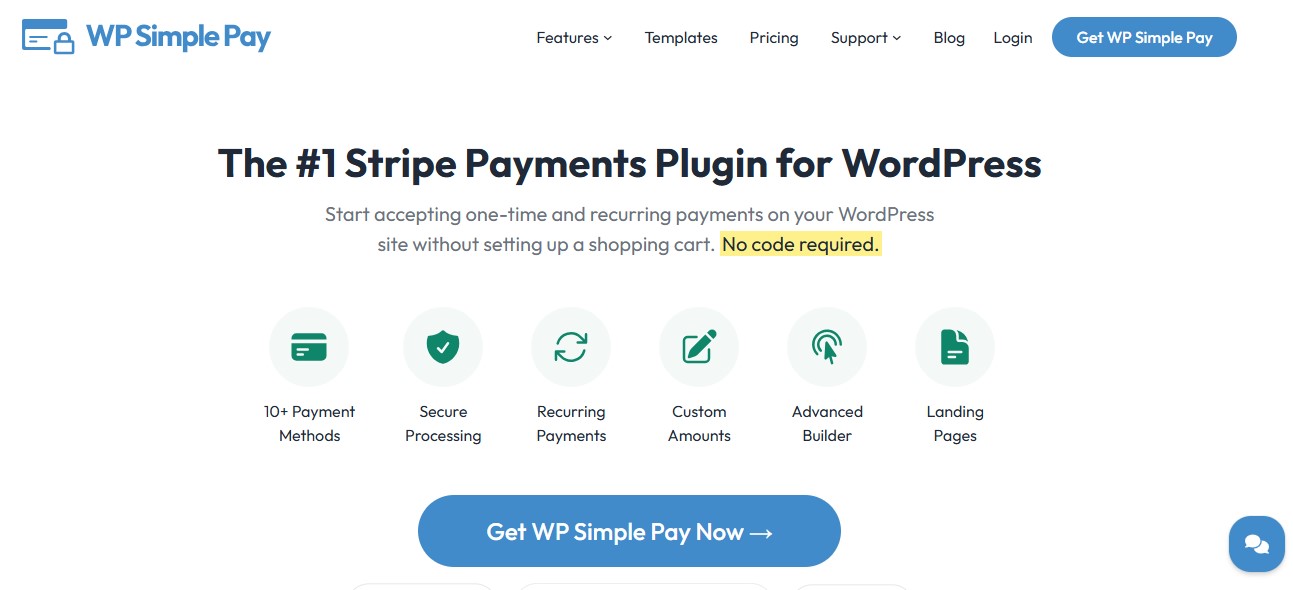
WP Simple Pay is built for WooCommerce store owners who want a lightweight, streamlined Stripe solution without the complexity of full-featured payment plugins. It focuses on simplicity and speed, allowing you to accept one-time payments, subscriptions, and digital wallet payments like Apple Pay and Google Pay with minimal setup.
The plugin is ideal for businesses that don’t need an extensive shopping cart or advanced WooCommerce integrations but still want secure, PCI-compliant transactions. Its clean interface and easy-to-follow setup guide make it beginner-friendly, while features like customizable payment forms and flexible pricing options ensure it can adapt to a variety of use cases.
Key Features
- One-time payments and recurring subscriptions
- Apple Pay, Google Pay, and Microsoft Pay support
- No shopping cart required, ideal for service-based products
Pros
- Quick setup for beginners
- Minimal impact on site speed
- Focused on simplicity without losing essential Stripe functionality
Cons
- Limited advanced WooCommerce integration
- Lacks built-in analytics for detailed payment reporting
Why It Stands Out
Perfect for small to medium businesses that want secure Stripe payments with minimal setup and no unnecessary complexity.
7. Stripe Gateway for WooCommerce by ThemeComplete
ThemeComplete’s Stripe plugin is designed to deliver full-featured payment solutions for WooCommerce stores, making it a versatile choice for businesses of all sizes. It supports one-time payments for regular purchases and recurring subscriptions, enabling seamless management of membership products, subscription boxes, or other recurring billing models.
One of its standout features is multi-account support, allowing store owners to manage multiple Stripe accounts across different regions or business units. This is particularly useful for international stores or marketplaces that operate in several currencies and need centralized payment control.
Key Features
- Supports Apple Pay, Google Pay, and local payment methods
- Multi-account management for international stores
- Subscription support with automatic renewal handling
Pros
- Highly flexible for multi-region businesses
- Smooth WooCommerce integration
- Offers PCI-compliant payment processing
Cons
- Premium version required for some advanced features
- Setup can be complex for first-time users
Why It Stands Out
Ideal for multi-region WooCommerce stores that need to manage multiple Stripe accounts while maintaining a seamless checkout experience.
8. Stripe WooCommerce Payment Gateway by WP Swings
This plugin provides a modern and flexible Stripe integration that goes beyond basic payment processing, making it ideal for WooCommerce stores with diverse needs. It supports recurring subscriptions, allowing you to manage membership products, subscription boxes, or any recurring billing model seamlessly.
Additionally, the plugin handles pre-orders and delayed payments, enabling customers to pay for products before they are available, which helps boost sales and manage inventory efficiently. With in-depth reporting and analytics, store owners can track payment trends, monitor transaction statuses, and gain insights into revenue streams.
Key Features
- Full Stripe integration with support for credit cards and digital wallets
- Recurring payments for subscriptions and membership products
- Pre-order and delayed payment support
Pros
- Modern UI for easy setup
- Excellent for stores running subscription-based products
- Robust fraud prevention with 3D Secure 2.0
Cons
- Free version has limited reporting
- Premium add-ons required for advanced analytics
Why It Stands Out
Perfect for subscription-focused stores that need reliable Stripe integration with secure recurring billing.
Also Read: 5 Best WooCommerce Quick View Plugins 2026
9. Stripe WooCommerce Payment Gateway by Webtoffee
Webtoffee’s Stripe plugin is designed with flexibility and global compatibility in mind, making it an excellent choice for WooCommerce store owners who sell to customers across different regions. The plugin supports multiple currencies, allowing international customers to pay in their preferred currency, which reduces friction at checkout and improves conversion rates.
In addition to standard credit card payments, it integrates with popular digital wallets like Apple Pay and Google Pay, and also supports various local payment methods, ensuring a seamless experience for customers worldwide.
Key Features
- Supports multiple currencies for international stores
- Accepts Apple Pay, Google Pay, and other digital wallets
- Detailed logging of payments and refunds for easier tracking
Pros
- Highly compatible with WooCommerce extensions
- Works seamlessly for stores selling internationally
- Easy-to-follow setup guide
Cons
- Advanced features require premium upgrade
- Limited customization options for checkout forms
Why It Stands Out
A solid choice for WooCommerce stores targeting global audiences, providing secure payments and multi-currency support.
10. WP Full Stripe – Stripe Payments and Subscriptions
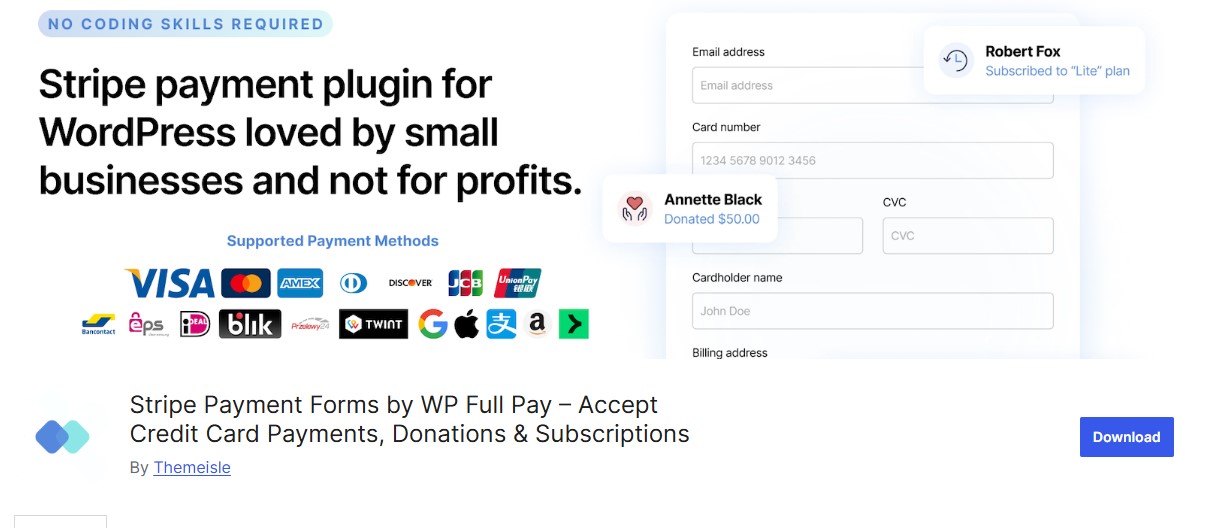
WP Full Stripe is a comprehensive plugin for stores that require advanced payment features, including subscription management, analytics, and custom checkout forms.
Key Features
- Supports recurring payments and subscription management
- Fully customizable checkout experience
- Detailed analytics and reporting dashboard
Pros
- Ideal for businesses managing both one-time and recurring payments
- Extensive support and documentation
- Robust integration with WooCommerce subscriptions
Cons
- Premium pricing may not suit small stores
- Learning curve can be steep for beginners
Why It Stands Out
This plugin is best for larger stores or subscription-based businesses that need full control over their Stripe payments and advanced reporting tools.
Also Read: Top 10 Custom Thank You Page Plugins For WooCommerce for 2026
Benefits of Using WooCommerce Stripe Plugins
WooCommerce Stripe plugins bring significant advantages to your online store, enhancing payment functionality and user experience. Here are the key benefits:
1. Secure Payment Processing: Stripe plugins come with advanced encryption and fraud prevention, ensuring secure transactions for your customers.
2. Support for Multiple Payment Methods: Accept a variety of payment options like credit/debit cards, digital wallets (Apple Pay, Google Pay), and regional payment methods, increasing accessibility.
3. Improved Customer Experience: Offer seamless, fast, and branded checkout experiences, reducing cart abandonment and improving customer satisfaction.
4. Global Payment Support: Stripe supports over 135 currencies and localized payment methods, enabling businesses to cater to international customers effortlessly.
5. Recurring Payment Features: Easily manage subscription-based billing for products or services, ideal for membership programs and subscription boxes.

Final Thought on WooCommerce Stripe Plugins
Choosing the best WooCommerce Stripe plugin is crucial for optimizing your store’s payment processing and delivering a smooth, hassle-free checkout experience. Each plugin comes with unique features tailored to different business needs ranging from secure credit card transactions and support for digital wallets like Apple Pay and Google Pay, to multi-currency payments and advanced recurring billing for subscriptions.
By selecting the right Stripe plugin, you can enhance customer satisfaction, minimize cart abandonment, and streamline your store’s financial operations. For small businesses, lightweight and easy-to-use options provide fast setup and simplicity, while larger or subscription-focused stores benefit from feature-rich plugins offering analytics, automation, and multi-region support.
FAQs
1. What is a WooCommerce Stripe plugin?
A WooCommerce Stripe plugin integrates Stripe payment processing into your WooCommerce store, allowing secure credit card payments.
2. Is Stripe free to use with WooCommerce?
Yes, Stripe plugins are free to use, but Stripe charges a transaction fee for each payment processed.
3. Can I accept multiple currencies with WooCommerce Stripe plugins?
Yes, most WooCommerce Stripe plugins support multiple currencies, enabling global transactions.
4. Do Stripe plugins support recurring payments?
Yes, many WooCommerce Stripe plugins, like Payment Plugins for Stripe, offer subscription and recurring payment features.
5. Are WooCommerce Stripe plugins secure?
Yes, they use advanced encryption and fraud protection, ensuring secure payment transactions.
6. Can I customize the checkout experience with Stripe plugins?
Yes, many plugins allow you to customize the checkout page to match your store’s branding.
7. Do I need coding knowledge to set up a Stripe plugin?
No, WooCommerce Stripe plugins are user-friendly and easy to install without requiring coding skills.
8. Are WooCommerce Stripe plugins compatible with other payment methods?
Yes, most plugins can work alongside other payment gateways for a diverse checkout experience.
Interesting Reads